Antoine GREGOIRE
Membres
-
Inscription
-
Dernière visite
-
Antoine GREGOIRE a répondu à un sujet de Antoine GREGOIRE dans Actus Courses Circuits & Evénements non SCCTSuper, je viendrais vous voir. Mon A310 de 1973 est orange 😉. Nous venons tous les ans avec : R5 Alpine turbo bleue 205 5 portes grise 4LF6 verte Mégane coupe A110 Bmw M3 bleu blanc rouge Nous adorons 🤣🎉🏁😎
-
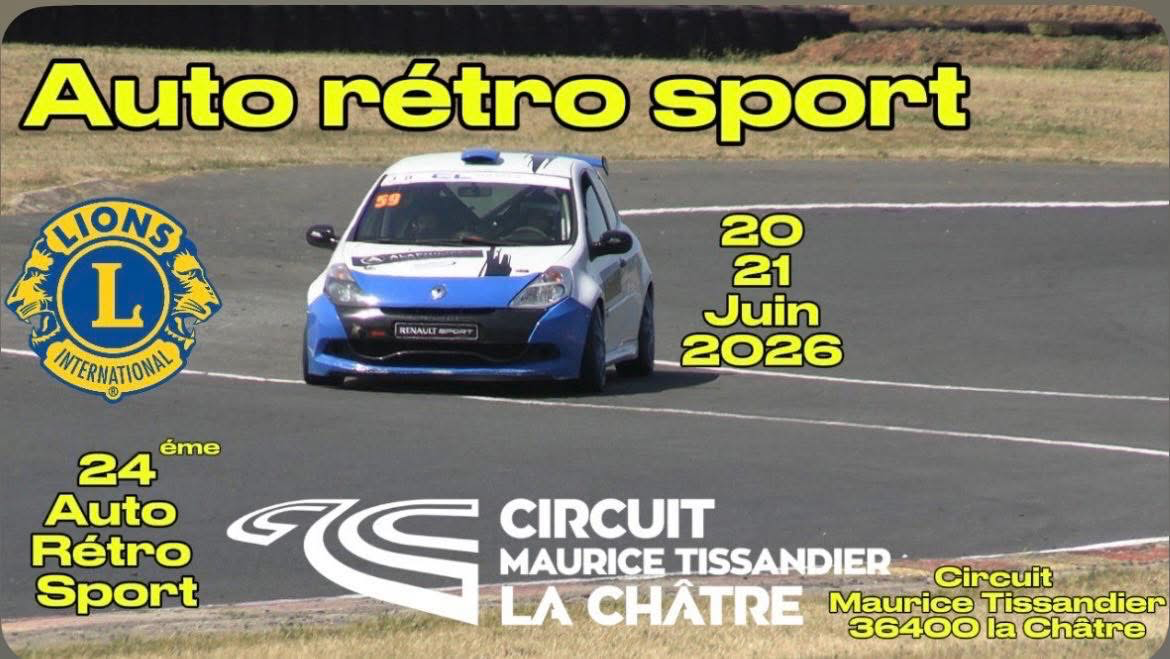
Antoine GREGOIRE a répondu à un sujet de Antoine GREGOIRE dans Actus Courses Circuits & Evénements non SCCTBonjour à tous, qui va rouler à Auto Rétro Sport à la châtre les 20 et 21 juin ? Je vais y rouler avec mon A310 4cylindres 😉🏁 Bien amicalement
-
Antoine GREGOIRE a rejoint la communauté
-