

Skip to content
View in the app

A better way to browse. Learn more.

S.C.C.T

A full-screen app on your home screen with push notifications, badges and more.

To install this app on iOS and iPadOS
  1. Tap the Share icon in Safari
  2. Scroll the menu and tap Add to Home Screen.
  3. Tap Add in the top-right corner.
To install this app on Android
  1. Tap the 3-dot menu (â‹®) in the top-right corner of the browser.
  2. Tap Add to Home screen or Install app.
  3. Confirm by tapping Install.

vincapri

Membres
  • Joined

  • Last visited

About Me

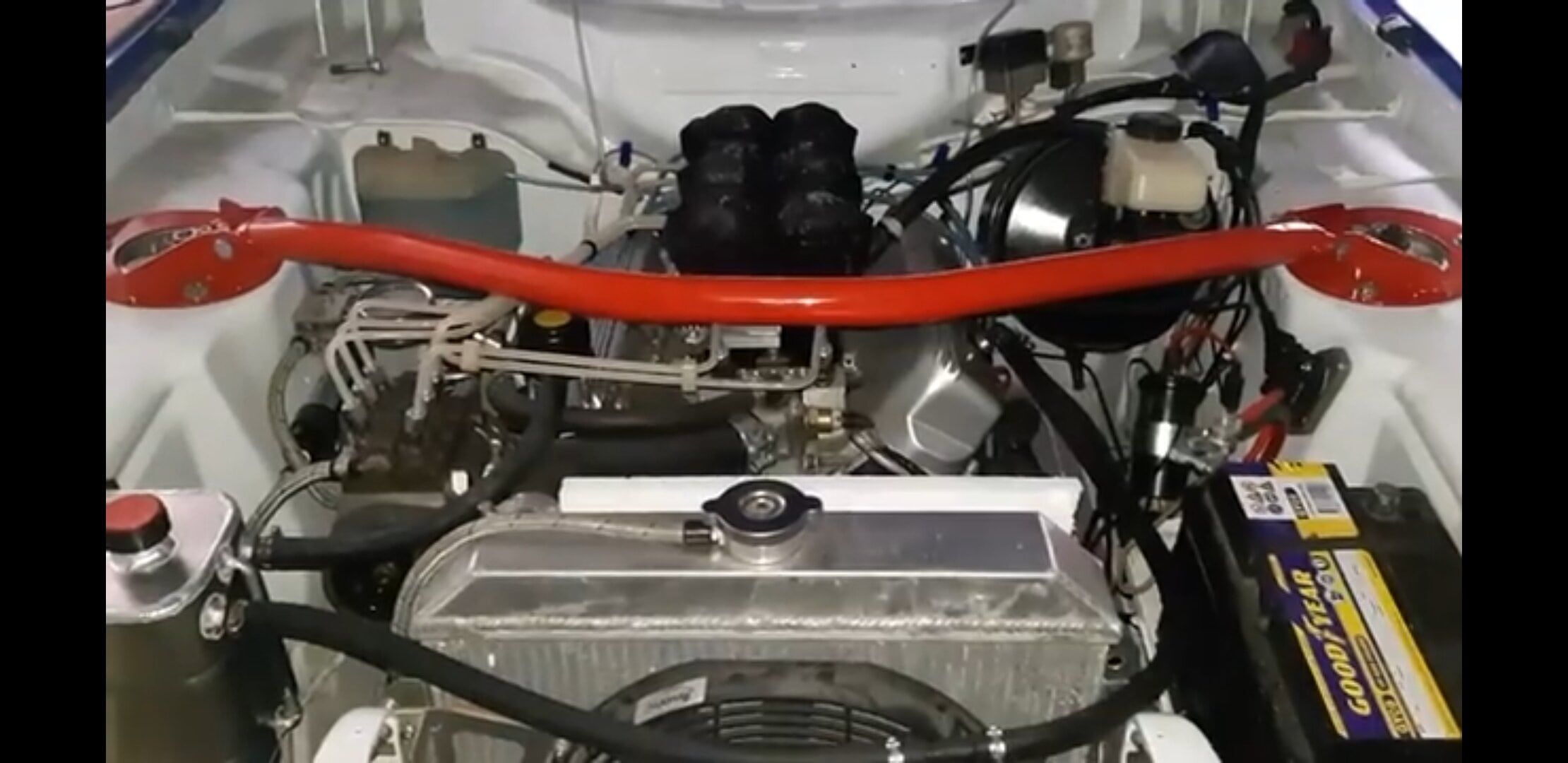
Bonjour je me prénomme Vincent,  je possède une Capri de 1973 (c'est ma troisième capri après  un petite Mustang) que je remets en route avec patience et passion. 

J'habite dans la banlieue Lilloise dans le Nord de la France,  marié et 3 garçons 

Ma voiture a déjà reçu quelques modif comme 

Male arriere poly

Volant 3 branches rs

Vevitable caisse QZ

Triangulation train avant  (en cours) 

Double disqus arriere (frein a pied et a main hydrau séparé) 

Allumeur électronique 

Echappement inox big borre maison

Kit combiné filete avant

Amortisseur gaz arrière 

Boite 5 t9

pont autobloquant a glissement limité 40 % origine capri 280

Cloche alu

Arbre transmission monobloc

Culasse 2.8 stage 3

Injection papillons thomas libel

Pompe kugel B1 injecteur dlo20d

Radiateur alu a ventil electrique 

Etc....

Bref pas grand chose 
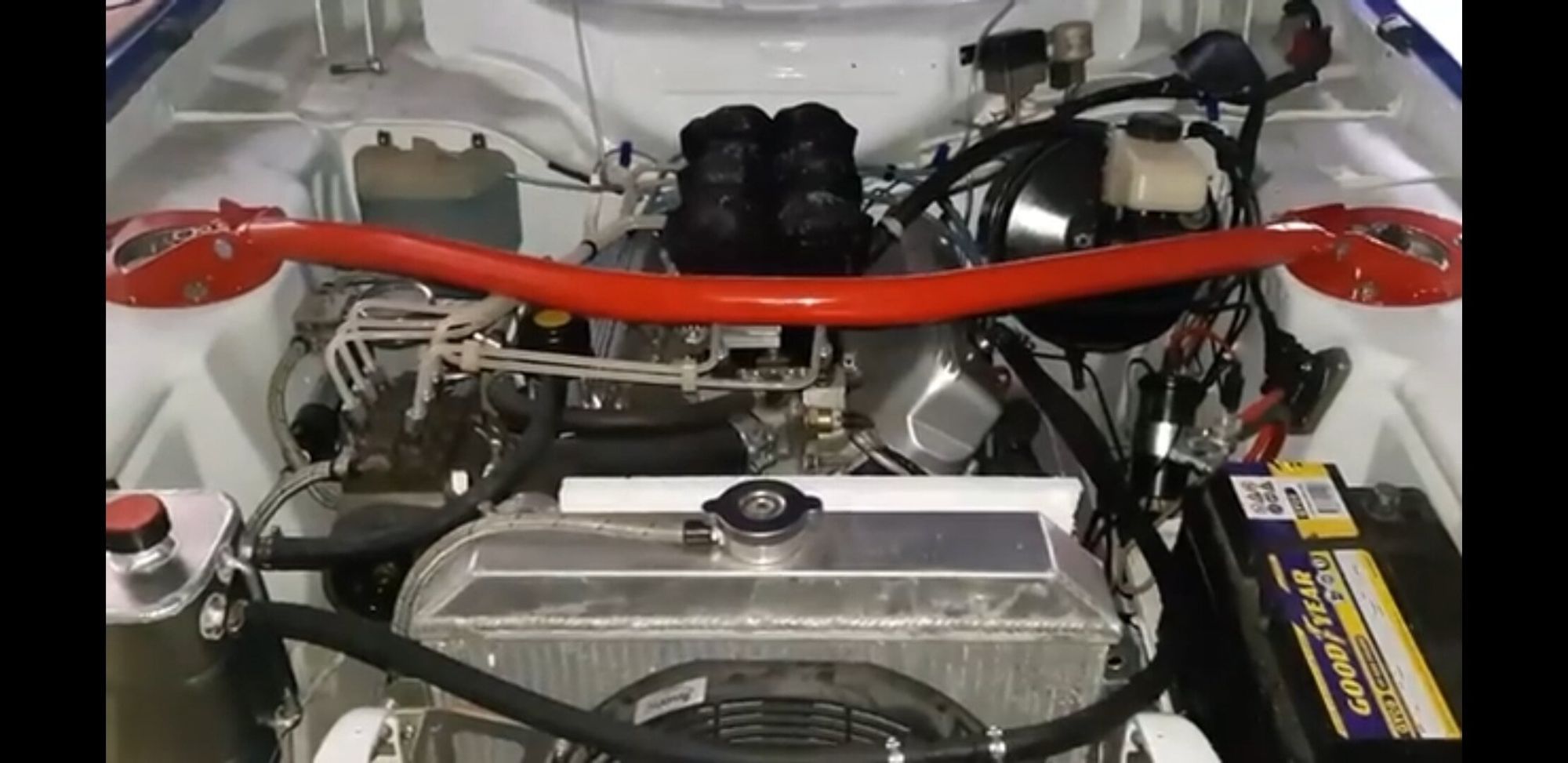
 

Screenshot_20230402-095851_Gallery.jpg

Account

Navigation

Search

Search

Configure browser push notifications

Chrome (Android)
  1. Tap the lock icon next to the address bar.
  2. Tap Permissions → Notifications.
  3. Adjust your preference.
Chrome (Desktop)
  1. Click the padlock icon in the address bar.
  2. Select Site settings.
  3. Find Notifications and adjust your preference.