Plastic
Membres
-
Inscription
-
Dernière visite
Tout ce qui a été posté par Plastic
-
Merci Cédric et Franck pour le montage vidéo et le compte rendu ;) Je pense aux pneus pour la prochaine sortie
-
la fin !
-
la suite:
-
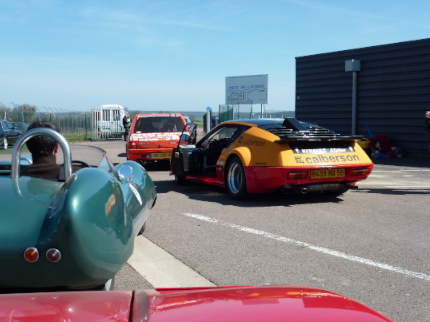
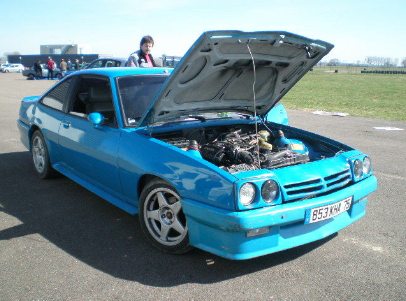
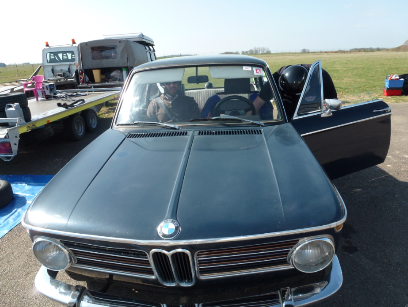
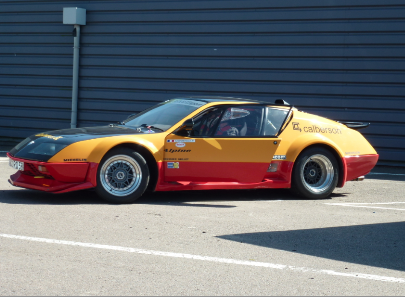
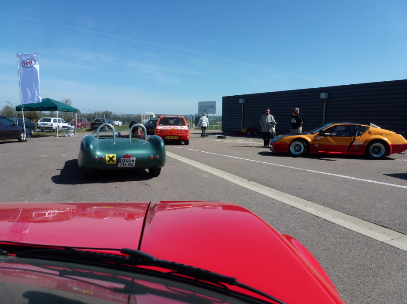
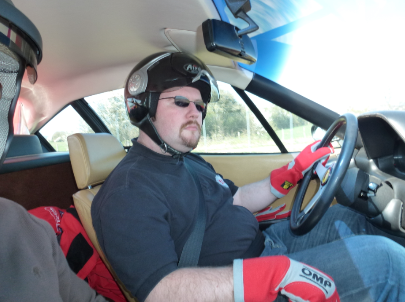
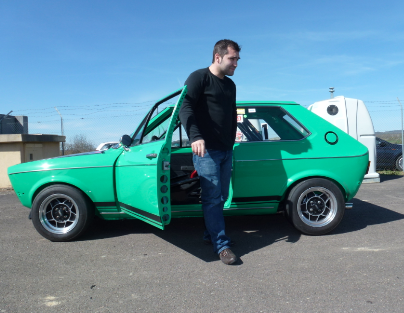
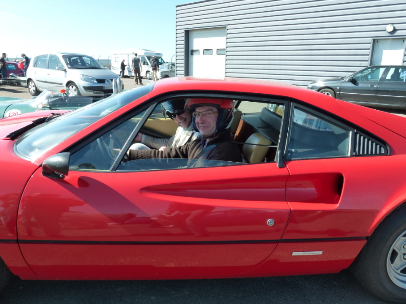
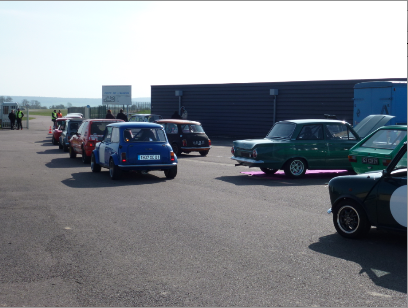
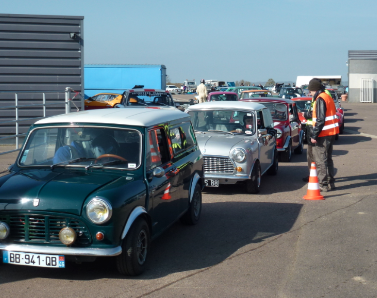
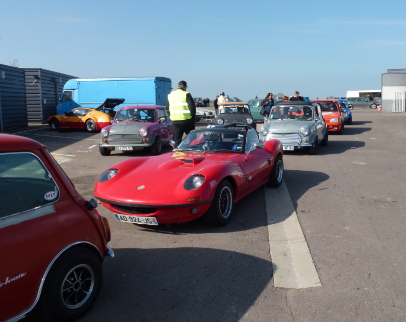
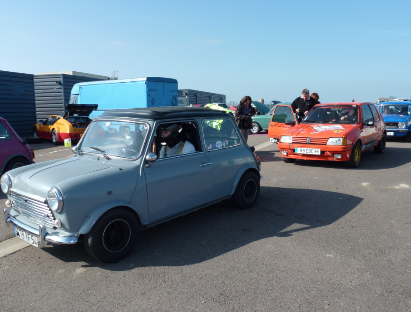
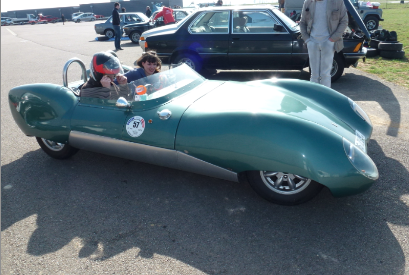
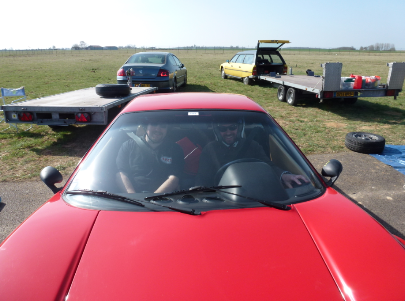
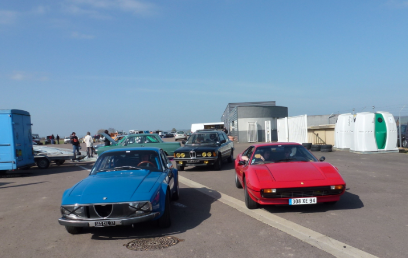
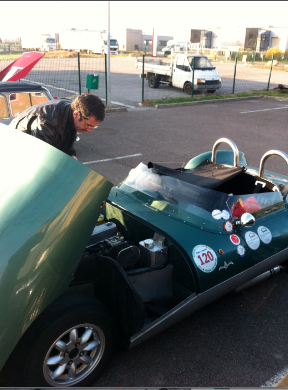
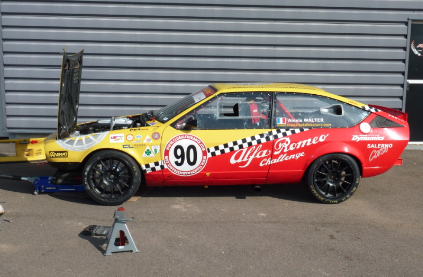
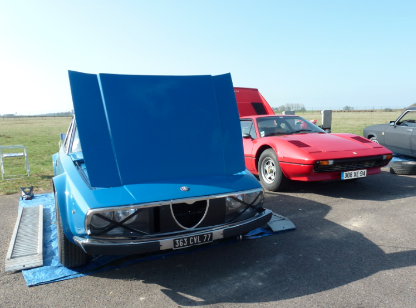
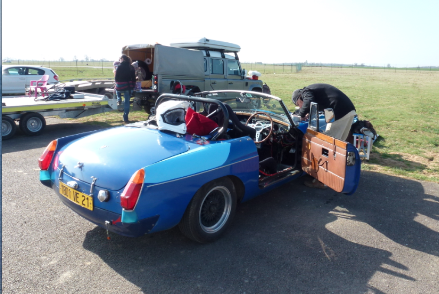
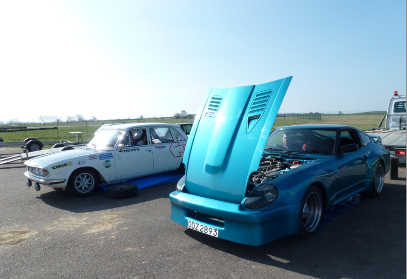
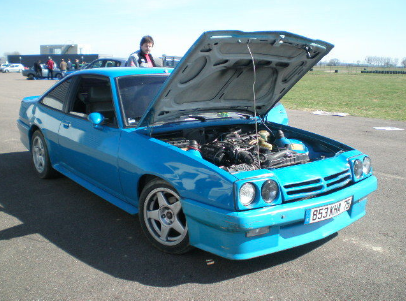
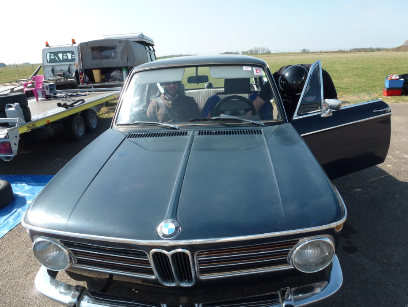
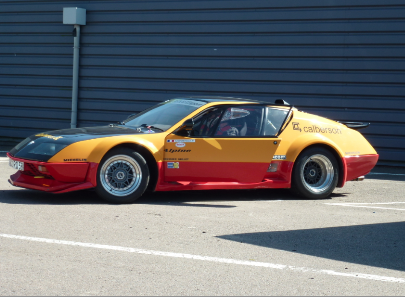
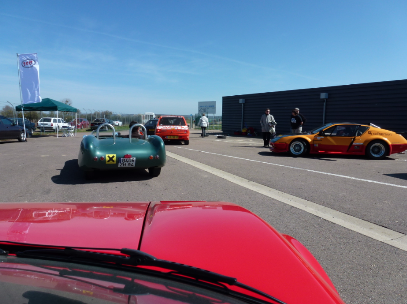
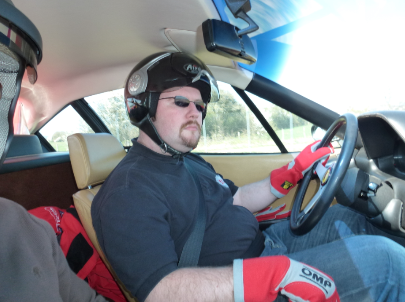
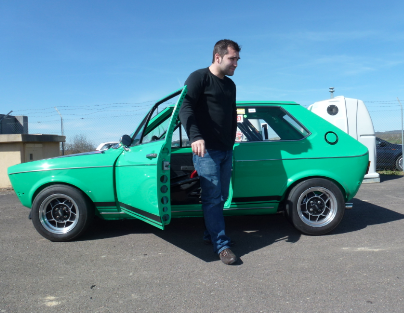
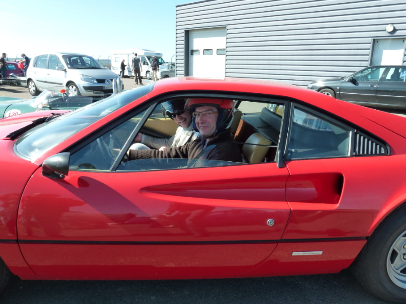
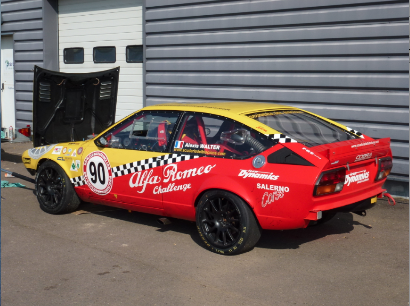
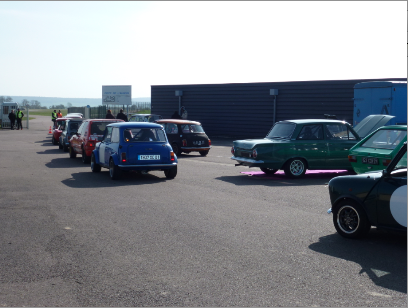
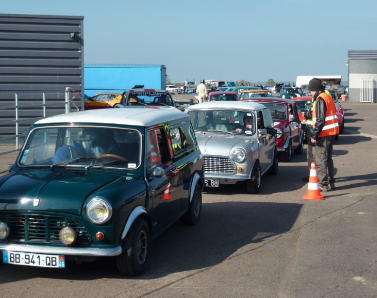
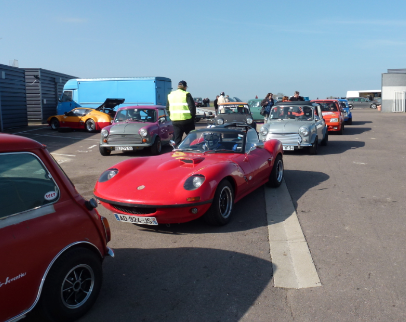
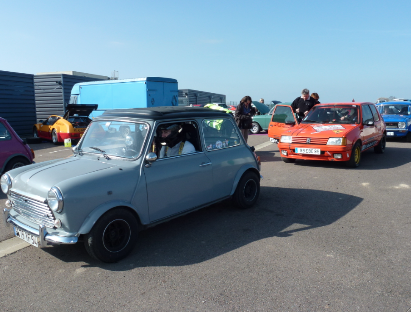
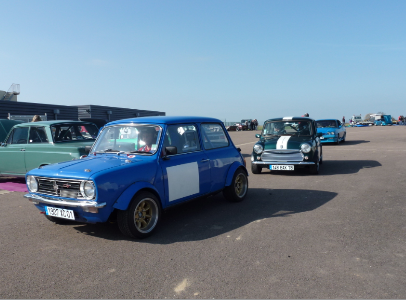
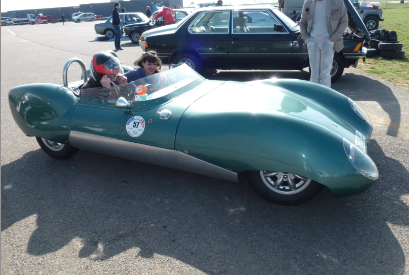
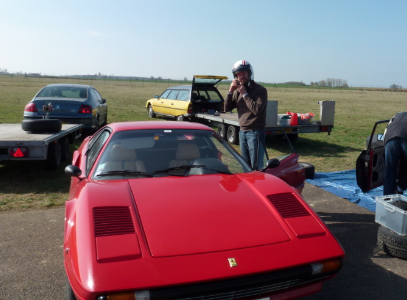
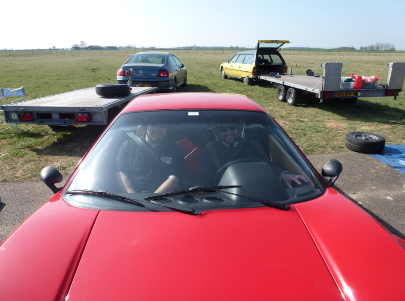
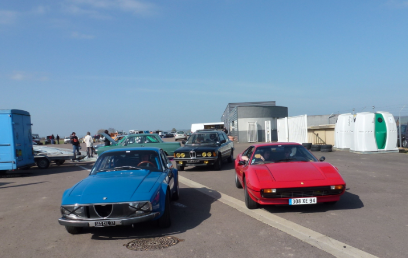
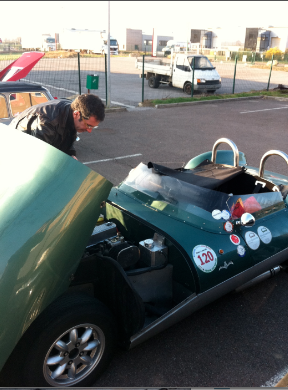
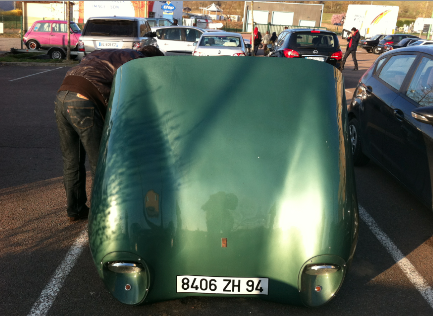
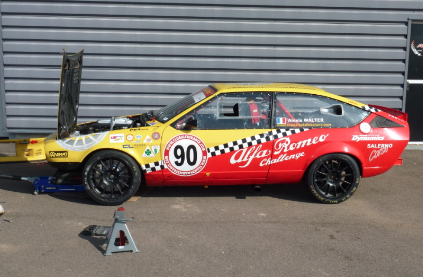
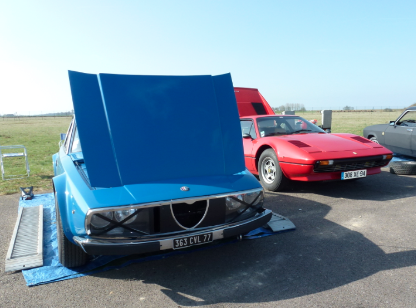
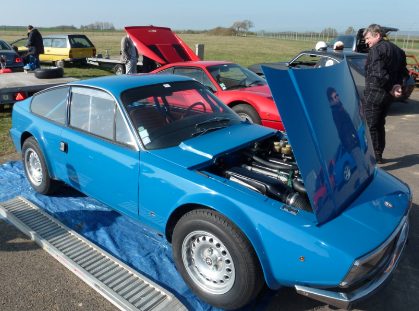
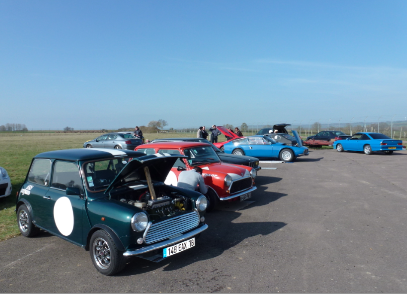
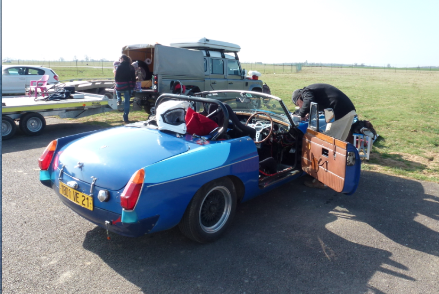
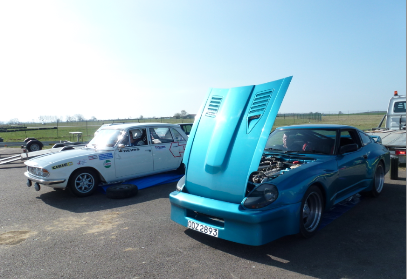
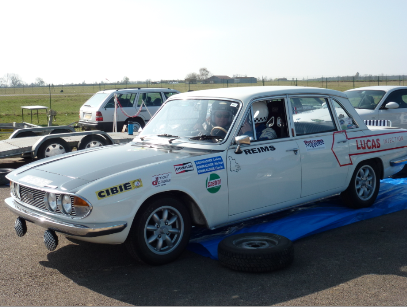
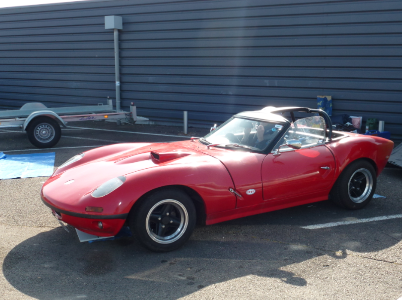
Voici quelques photos; désolé pour ceux qui ne verront pas leur auto !
-
Un grand merci au SCCT pour une organisation à la fois sympatique et efficace. C'était pour moi une très agréable introduction au pilotage sur circuit. Et avec une auto qui n'attendait que ça (le pilote peut encore progresser mais n'a pas d'autre prétention que de prendre encore du plaisir sur la piste). J'espère à nouveau mettre en application (avant de les oublier) les conseils avisés de Franck. Merci également à tous les participants qui m'ont réservé un accueil chaleureux. Je ne pouvais rêver mieux...