
Aller au contenu
View in the app

A better way to browse. Learn more.

S.C.C.T

A full-screen app on your home screen with push notifications, badges and more.

To install this app on iOS and iPadOS
  1. Tap the Share icon in Safari
  2. Scroll the menu and tap Add to Home Screen.
  3. Tap Add in the top-right corner.
To install this app on Android
  1. Tap the 3-dot menu (â‹®) in the top-right corner of the browser.
  2. Tap Add to Home screen or Install app.
  3. Confirm by tapping Install.

pgts81

Membres
  • Inscription

  • Dernière visite

  1. Merci pour cet agréable samedi, bonne ambiance, excellente organisation, respect sur les pistes à bientôt christophe

  2. pgts81 a répondu à un sujet de Alex dans Automobiles
    oui vraiment réduit
  3. pgts81 a répondu à un sujet de Alex dans Automobiles
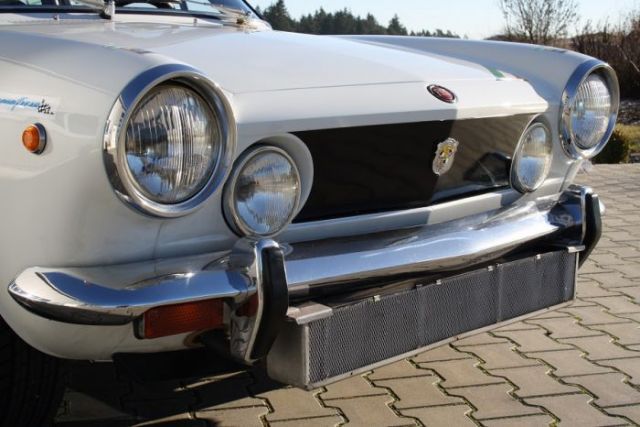
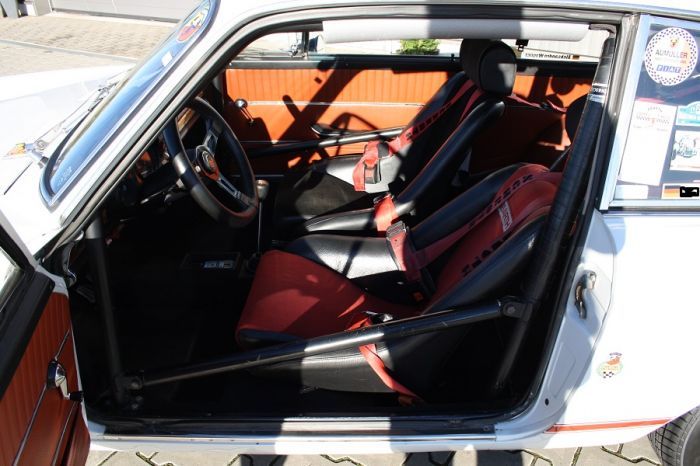
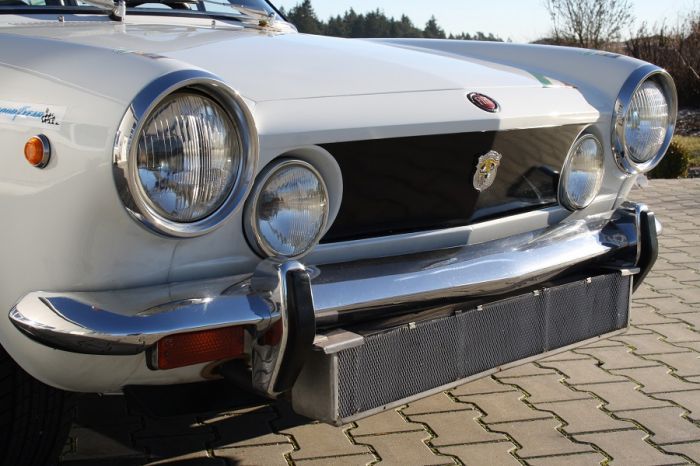
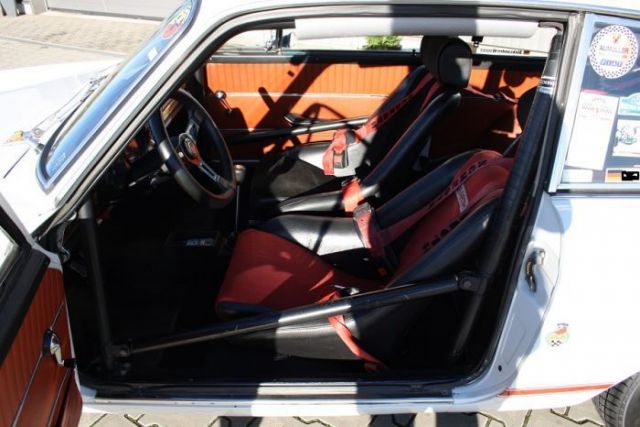
    Ma dernière acquisition, en cours de rénovation, préparation, abarth OT1000 replica, j'espère qu'elle sera prête pour la dernière sortie de l'année
  4. pgts81 a modifié sa photo de profil
  5. pouvez vous m'indiquer quand les dossiers d'inscription seront dispos ?
  6. pgts81 a répondu à un sujet de FrenchAutodrome dans 2014
    super toutes ces photos !
  7. pgts81 a répondu à un sujet de FrenchAutodrome dans 2014
    Excellente journée, super ambiance, plein de rencontres sympas ! nous reviendrons avec notre petite 911 verte ! encore un grand merci aux organisateurs !!


Account

Navigation

Rechercher

Rechercher

Configure browser push notifications

Chrome (Android)
  1. Tap the lock icon next to the address bar.
  2. Tap Permissions → Notifications.
  3. Adjust your preference.
Chrome (Desktop)
  1. Click the padlock icon in the address bar.
  2. Select Site settings.
  3. Find Notifications and adjust your preference.