
Sourire
Membres
-
Inscription
-
Dernière visite
Tout ce qui a été posté par Sourire
-
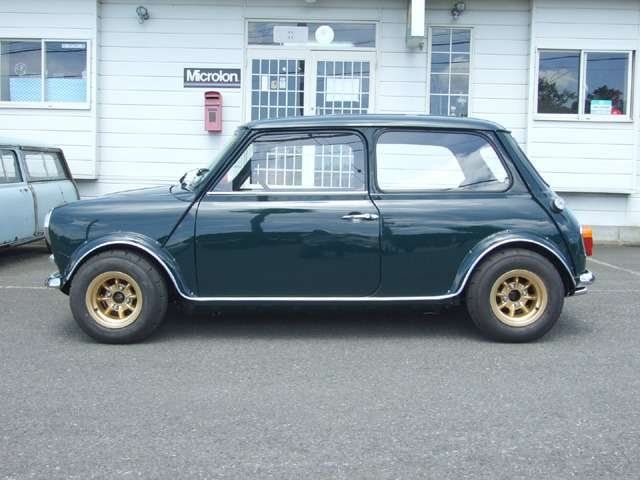
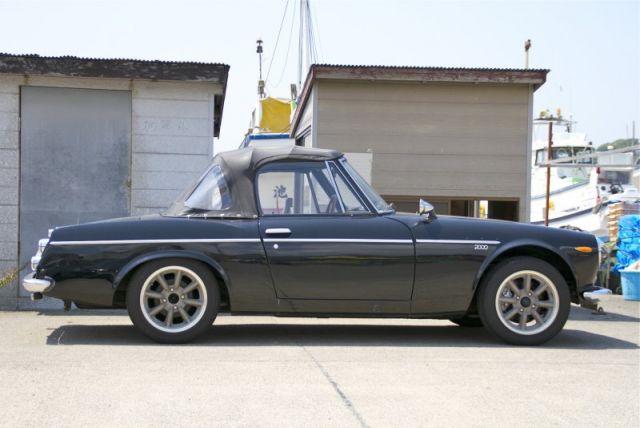
http://www.churchsquareautos.com/vehicle-details.asp?ID=2682871
 http://www3.wind.ne.jp/miniya/zaiko/jk-sp/jk-sp.htm#
 http://www.flickr.com/photos/iphonebox/page1/Lifestyle Classicstyle Racestyle

 Transit http://www.carandclassic.co.uk/car/C393648Pour le tableau de bord du dessus, on peut trouver des répliques des compteurs chronométriques. exemple: http://www.puca.co/index.html
Account
Navigation
Rechercher
Configure browser push notifications
Chrome (Android)
- Tap the lock icon next to the address bar.
- Tap Permissions → Notifications.
- Adjust your preference.
Chrome (Desktop)
- Click the padlock icon in the address bar.
- Select Site settings.
- Find Notifications and adjust your preference.
Safari (iOS 16.4+)
- Ensure the site is installed via Add to Home Screen.
- Open Settings App → Notifications.
- Find your app name and adjust your preference.
Safari (macOS)
- Go to Safari → Preferences.
- Click the Websites tab.
- Select Notifications in the sidebar.
- Find this website and adjust your preference.
Edge (Android)
- Tap the lock icon next to the address bar.
- Tap Permissions.
- Find Notifications and adjust your preference.
Edge (Desktop)
- Click the padlock icon in the address bar.
- Click Permissions for this site.
- Find Notifications and adjust your preference.
Firefox (Android)
- Go to Settings → Site permissions.
- Tap Notifications.
- Find this site in the list and adjust your preference.
Firefox (Desktop)
- Open Firefox Settings.
- Search for Notifications.
- Find this site in the list and adjust your preference.