Djudju
Membres
-
Inscription
-
Dernière visite
-
-
Oui, Ce fut une excellente journée. Merci aux organisateurs. Dommage que le temps n'ai pas été de la partie.
-
Djudju a modifié sa photo de profil
-
Bonjour, une première pour moi. Une journée inoubliable . Merci aux organisateurs. Au plaisir de vous revoir.
-
Magnifiiiique ! et merci pour la photo aérienne très pratique 👍
-
Très sympa. Je vais regarder ça.
-
Bonsoir, J'arrive le vendredi, mais ne sachant pas trop comment ca se passe, j'ai réservé un petit gite a coté.
-
Oui entièrement d'accord 👍 j'aime. Je suis la avant tout pour cela, mais ça n'empêche pas d'optimiser/fiabiliser notre "bolide" 😉
-
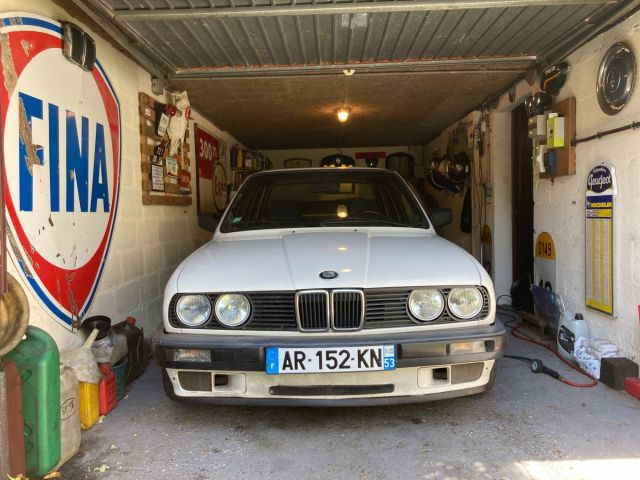
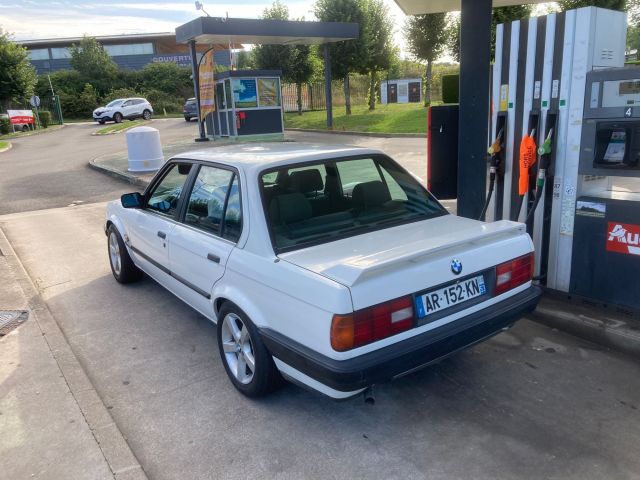
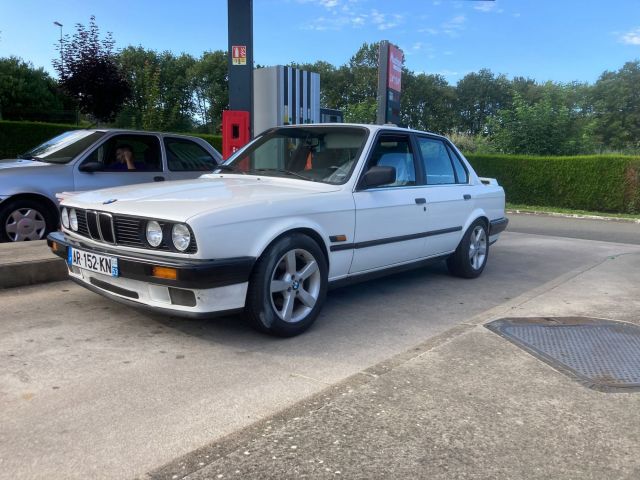
Ce n'est pas un foudre de guerre, j'espère ne pas être trop ridicule. J'ai monter un collecteur inox et un pont 4.10 mais les 129 ch ne font pas de miracle. Les conseils d'optimisation sont les bienvenus A bientot j'espères.
-
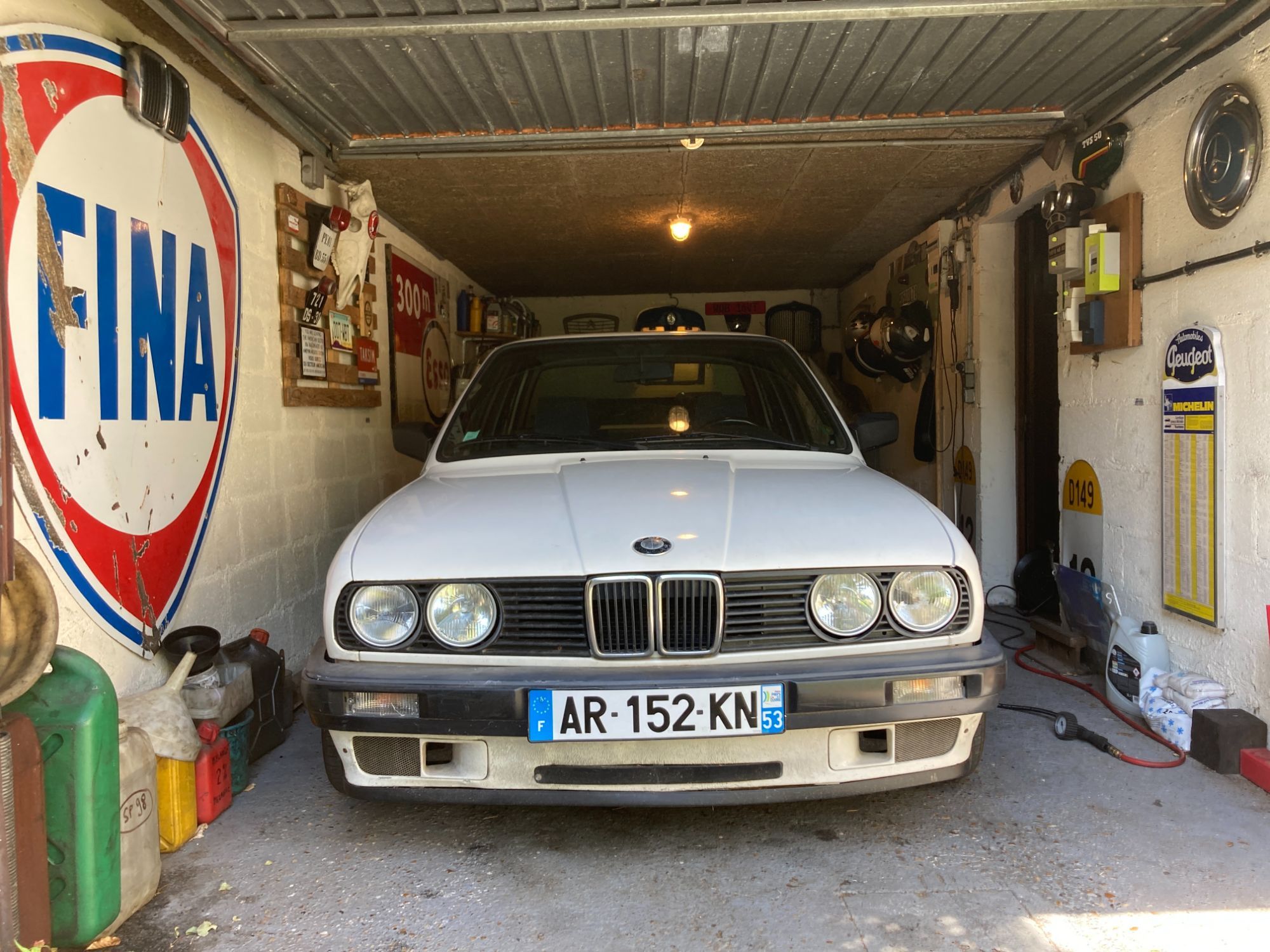
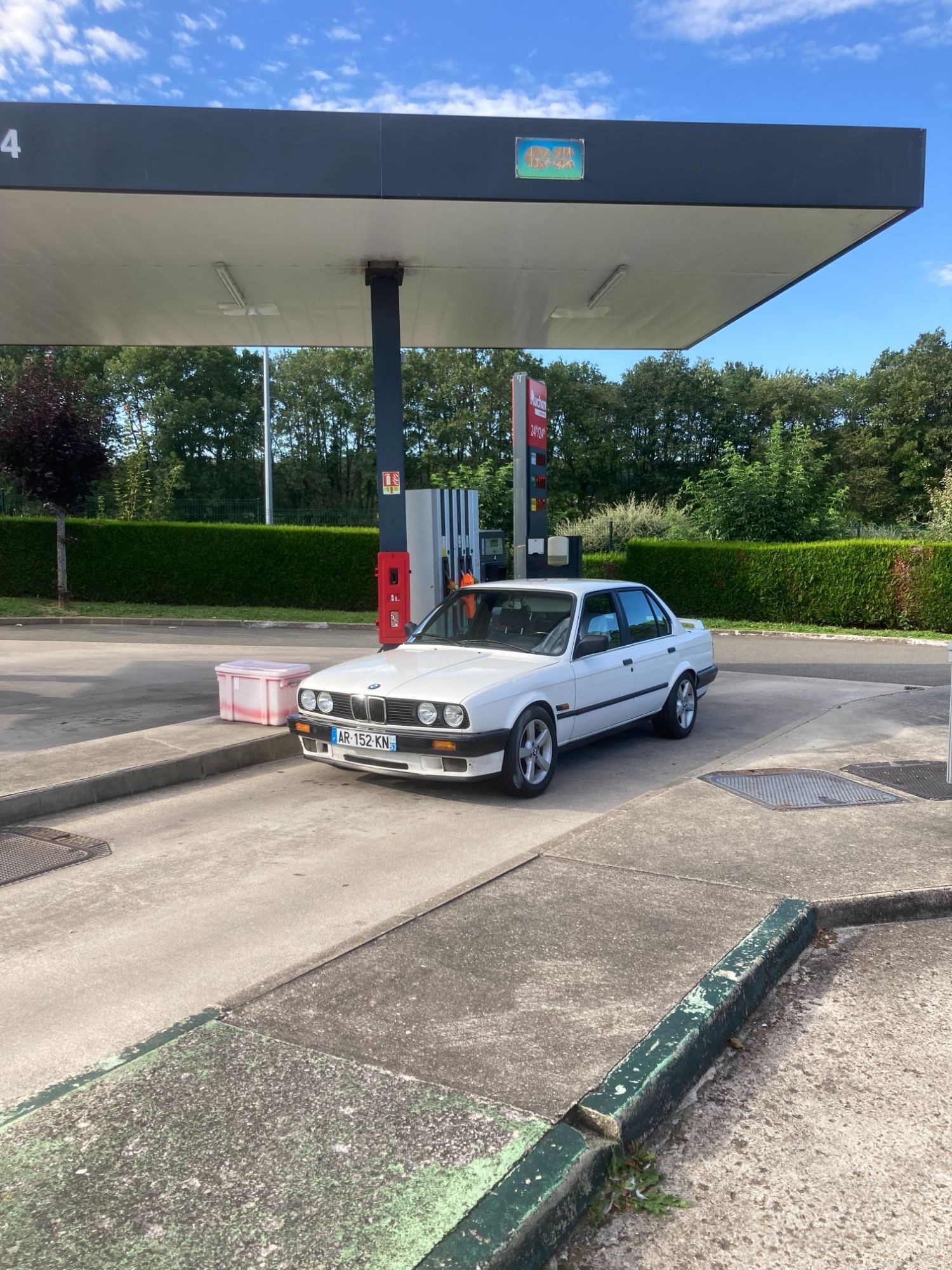
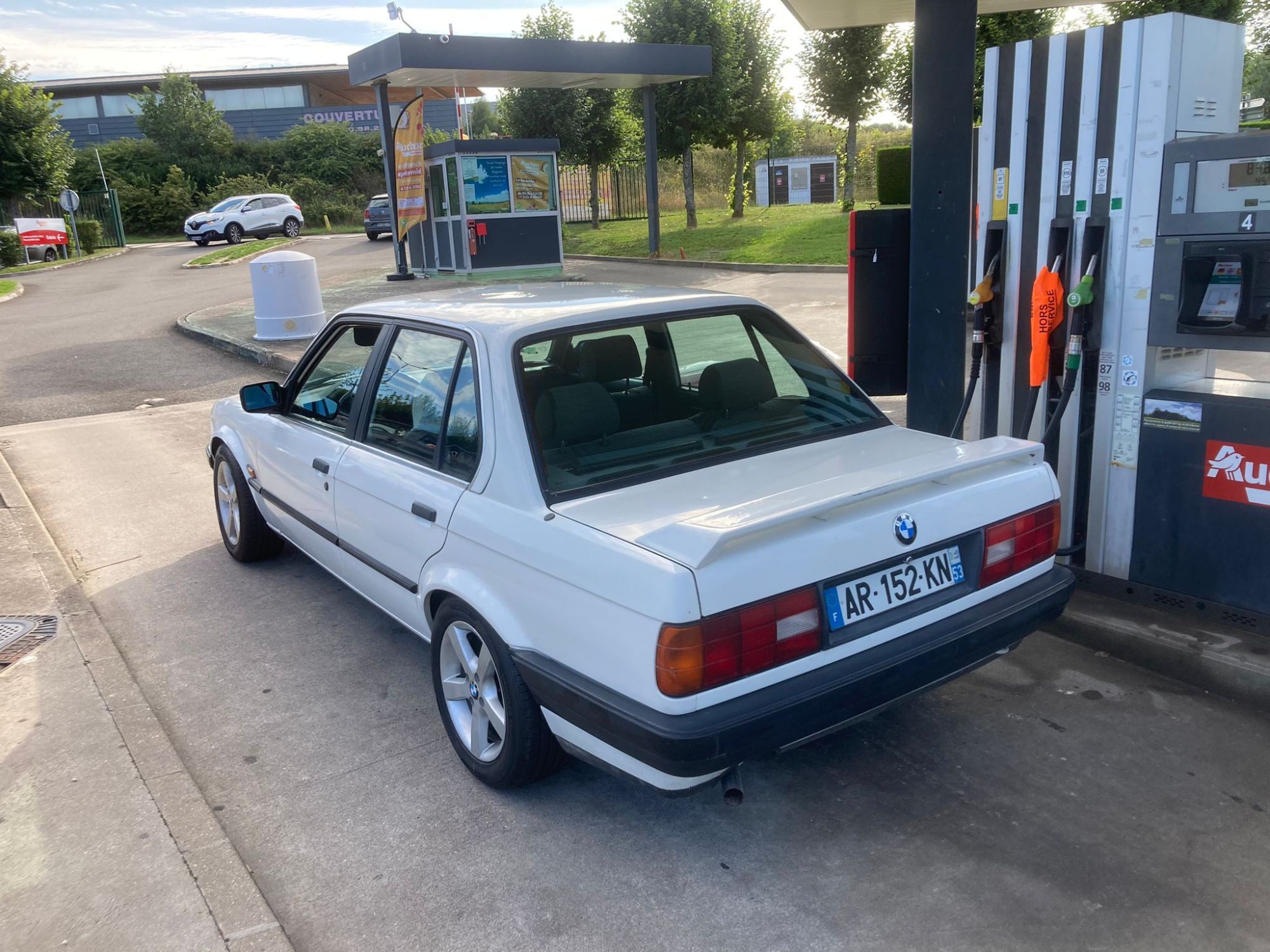
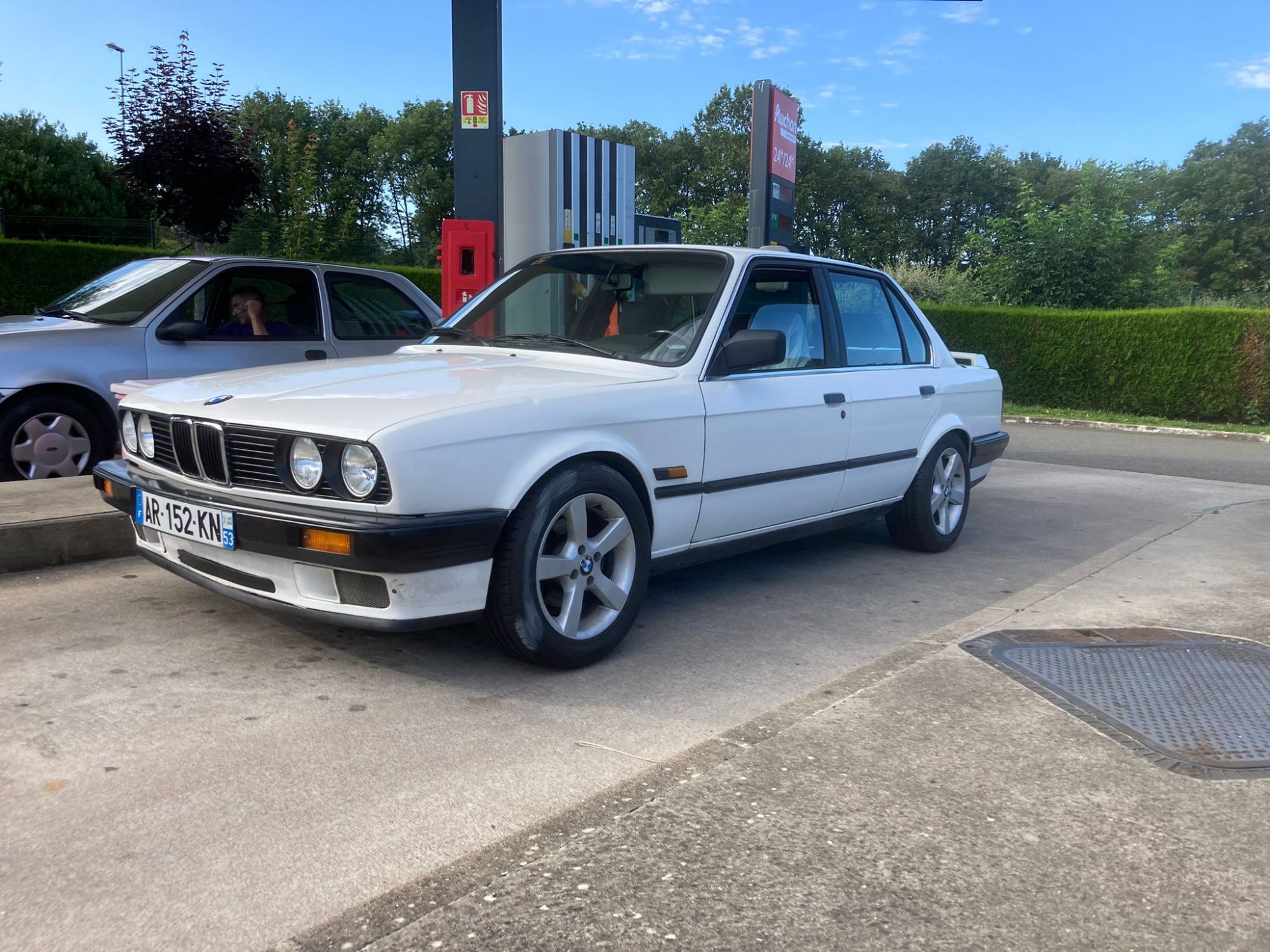
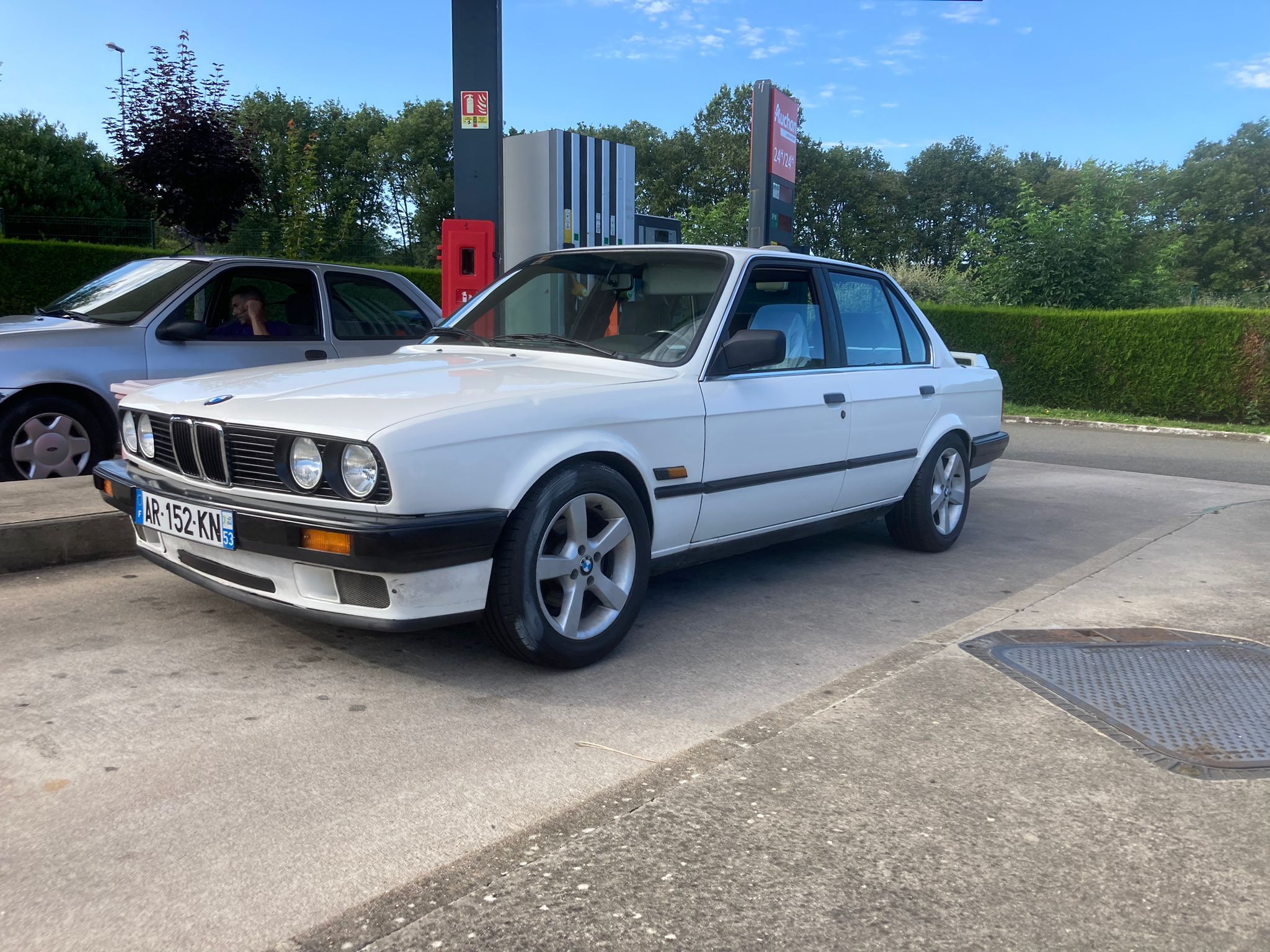
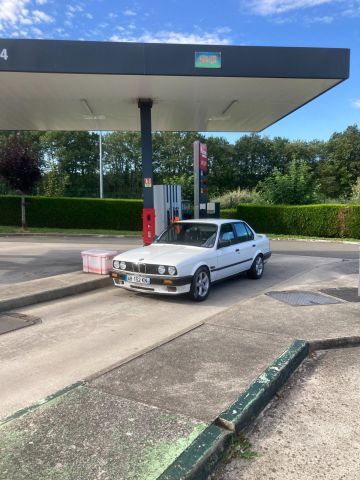
Bonjour a tous, J'ai remets en état une e30 320i depuis trois ans, pour essayer le circuit automobile. La voici terminer depuis peut:
-
Je ne sais que dire après avoir parcourt le poste. C'est MAGNIFIQUE. J'ai hâte de vous rejoindre en espérant être a la hauteur. Bravo!