

Tout ce qui a été posté par Sourire
-
Samedi 3 Octobre -Ladoux
Possible 2021 Elle a surtout un bon look cette capri
-
Les Alpine
- Samedi 3 Octobre -Ladoux
Super sympa, ça semble facile derrière le volant de la cortina- Samedi 3 Octobre -Ladoux
Bien aussi la déco du Scirocco, magnifique même- Samedi 3 Octobre -Ladoux
Même pas un petit aac ou une culasse plus ouverte? Tu marches bien avec un hif38 en tout cas.- Samedi 3 Octobre -Ladoux
Tu as quoi comme configuration dans la mini Jeff?- Samedi 3 Octobre -Ladoux
Merci a tous pour vos résumés, photos, vidéos et partages diverses. En espérant pouvoir venir en 2021 a pied ou dans une auto.- Vidéo De La Semaine
- Les Italiennes
- Les Ford
- Les Alfa Romeo
https://youtu.be/bqfkE-4LHok- Les Japonaises
- Les Ford
- Comment Faire De Bonnes Connectiques Et Réparer Faisceaux
Des tutos intéressants pour les cosses de batterie.- Les Turner
- Tracteurs
- Les Ford
Quand je l'ai vu, je me suis dit, JM nous a caché qu'il avait acheté une GT40 😄- Les Ford
- Les BMW
- Les Porsche
- Les Citroën, Peugeot et Renault
- Les Ford
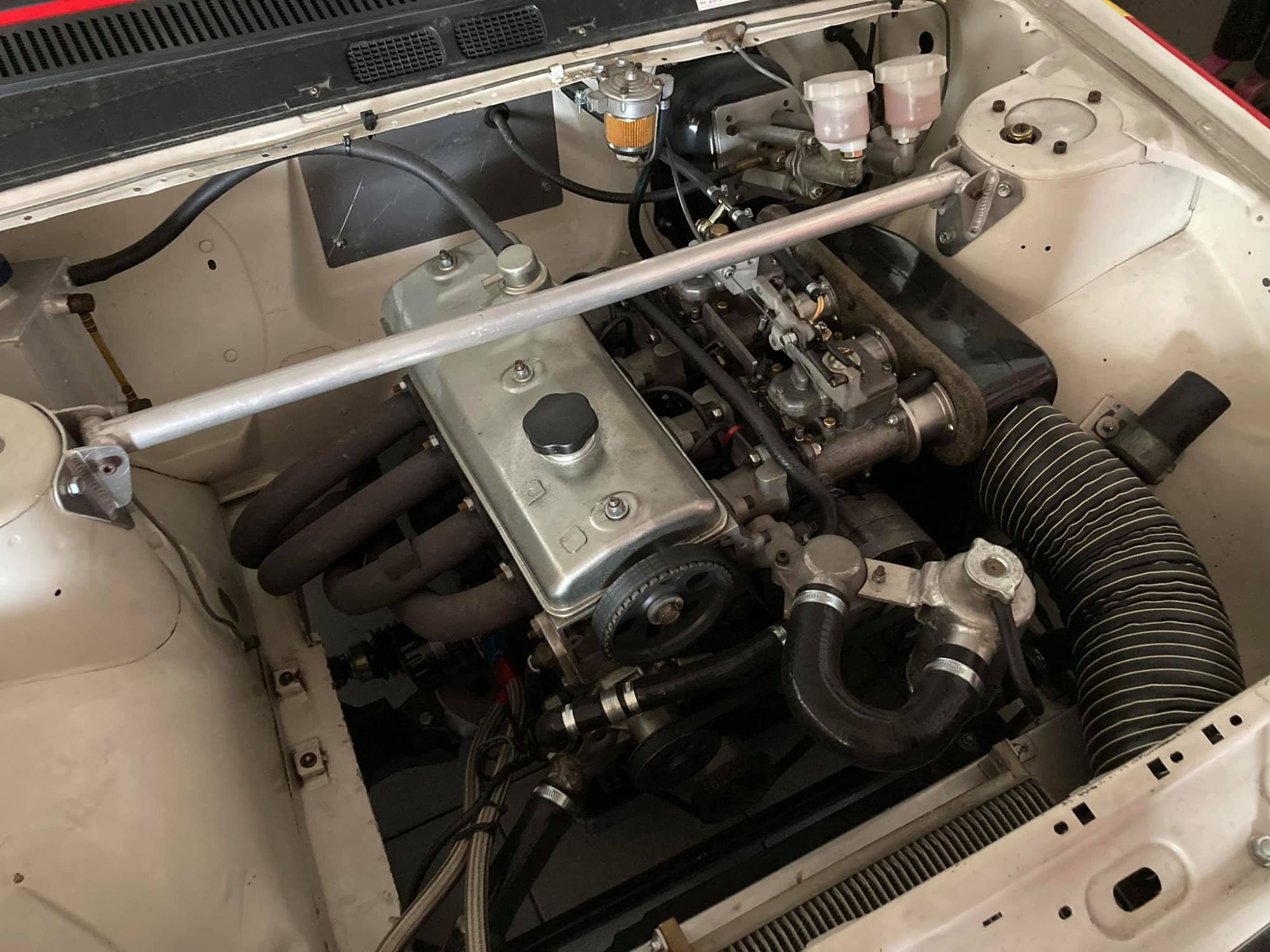
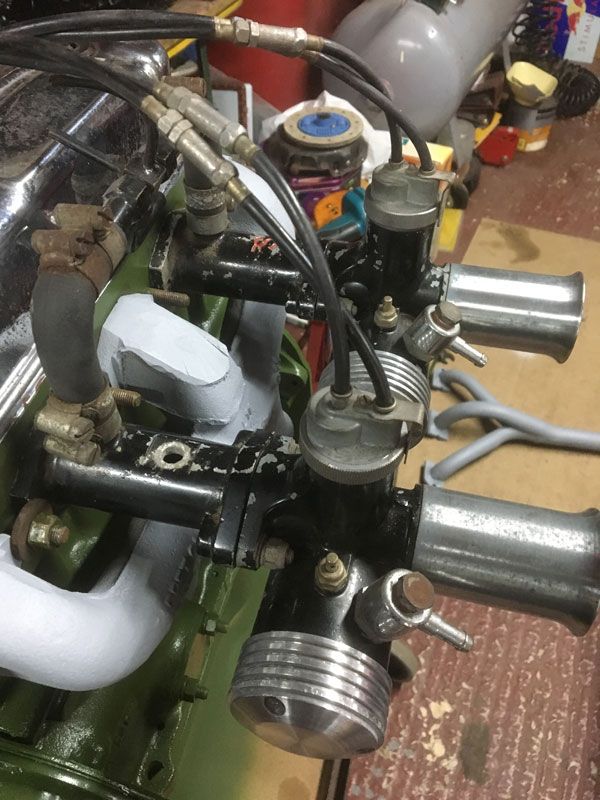
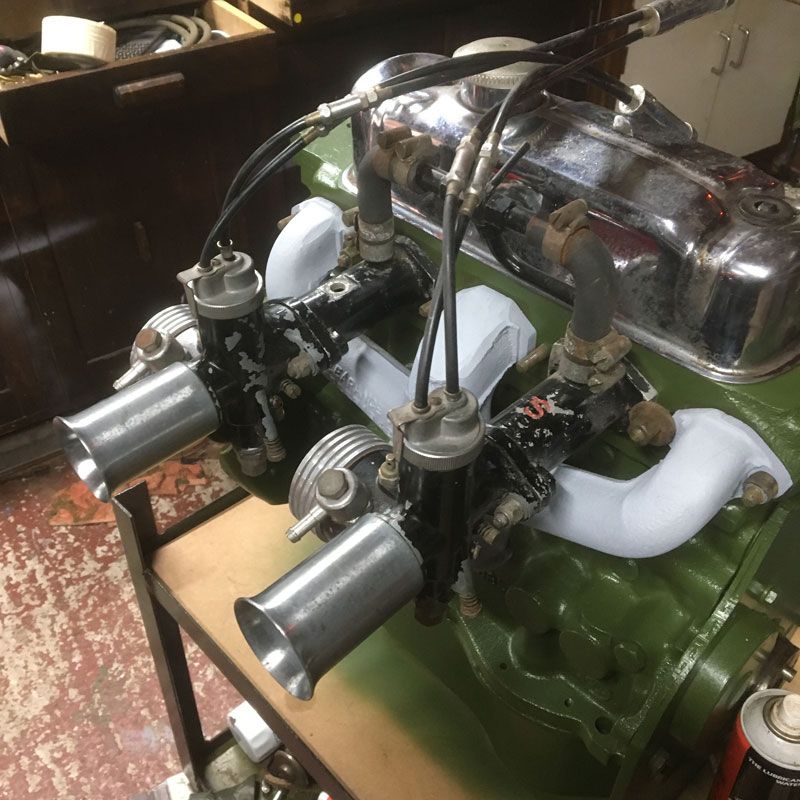
Oui tout a fait Quelqu'un connait ce montage sur cortina mk2?- Préparation Moteur Mini
- Les Porsche
🤣🤣🤣🤣🤣- Les Spridgets et dérivés
https://www.rollhard.co.uk/blogs/news/a-typical-british-summers-dayNavigation
Rechercher
Configure browser push notifications
Chrome (Android)
- Tap the lock icon next to the address bar.
- Tap Permissions → Notifications.
- Adjust your preference.
Chrome (Desktop)
- Click the padlock icon in the address bar.
- Select Site settings.
- Find Notifications and adjust your preference.
Safari (iOS 16.4+)
- Ensure the site is installed via Add to Home Screen.
- Open Settings App → Notifications.
- Find your app name and adjust your preference.
Safari (macOS)
- Go to Safari → Preferences.
- Click the Websites tab.
- Select Notifications in the sidebar.
- Find this website and adjust your preference.
Edge (Android)
- Tap the lock icon next to the address bar.
- Tap Permissions.
- Find Notifications and adjust your preference.
Edge (Desktop)
- Click the padlock icon in the address bar.
- Click Permissions for this site.
- Find Notifications and adjust your preference.
Firefox (Android)
- Go to Settings → Site permissions.
- Tap Notifications.
- Find this site in the list and adjust your preference.
Firefox (Desktop)
- Open Firefox Settings.
- Search for Notifications.
- Find this site in the list and adjust your preference.
- Samedi 3 Octobre -Ladoux