


Sourire
Membres
-
Inscription
-
Dernière visite
Tout ce qui a été posté par Sourire
-
-
http://www.bikeexif.com/kawasaki-cafe-racer-kz650


-
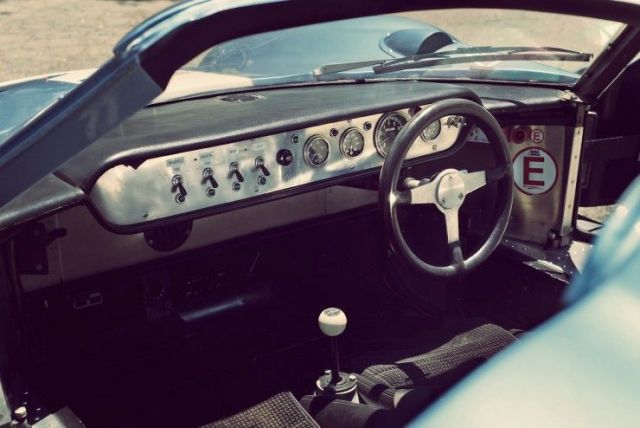
https://silodrome.com/lola-mk6/

-
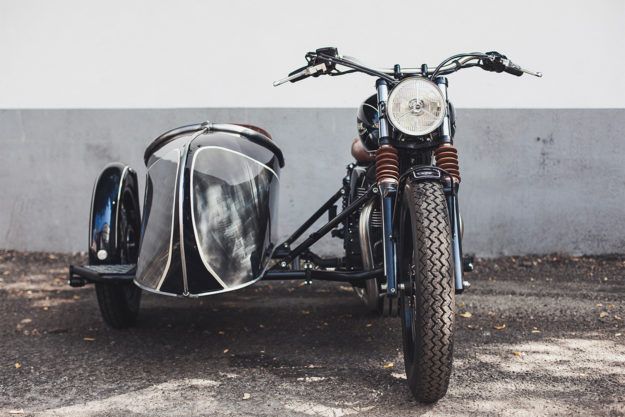
Oui superbe et les réalisations de BAAK sont vraiment de bon goût, ils ont un triumph T120 en bobber, super sympa:
-
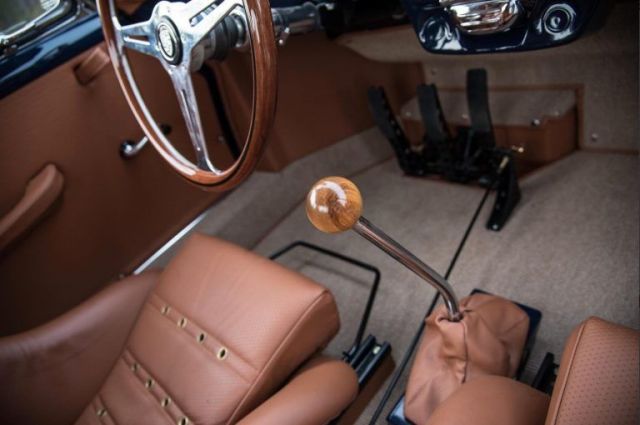
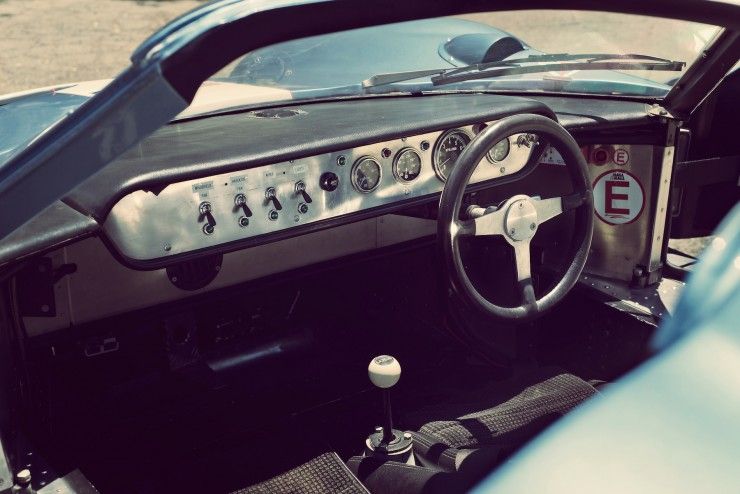
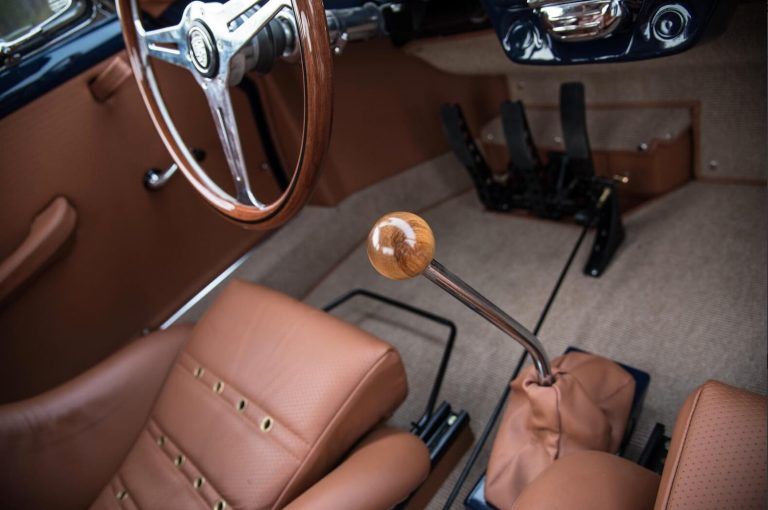
https://4h10.com/2018/03/la-porsche-356-coupe-outlaw-de-1964/


-
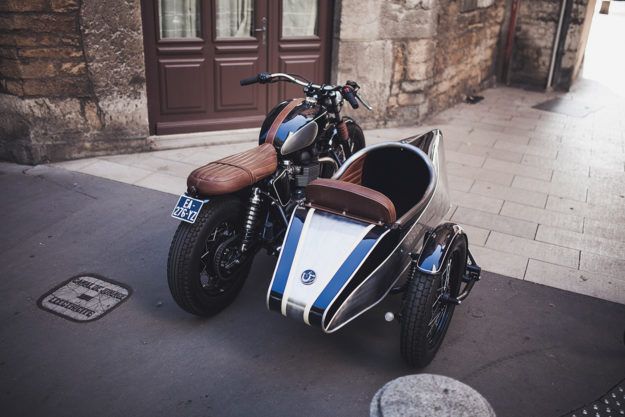
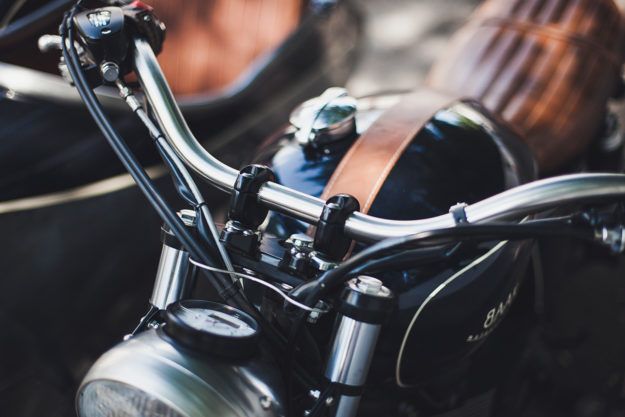
http://www.bikeexif.com/bonneville-sidecar http://blog.baakmotocyclettes.com/fr/baak-side-car-bike-efix/
-
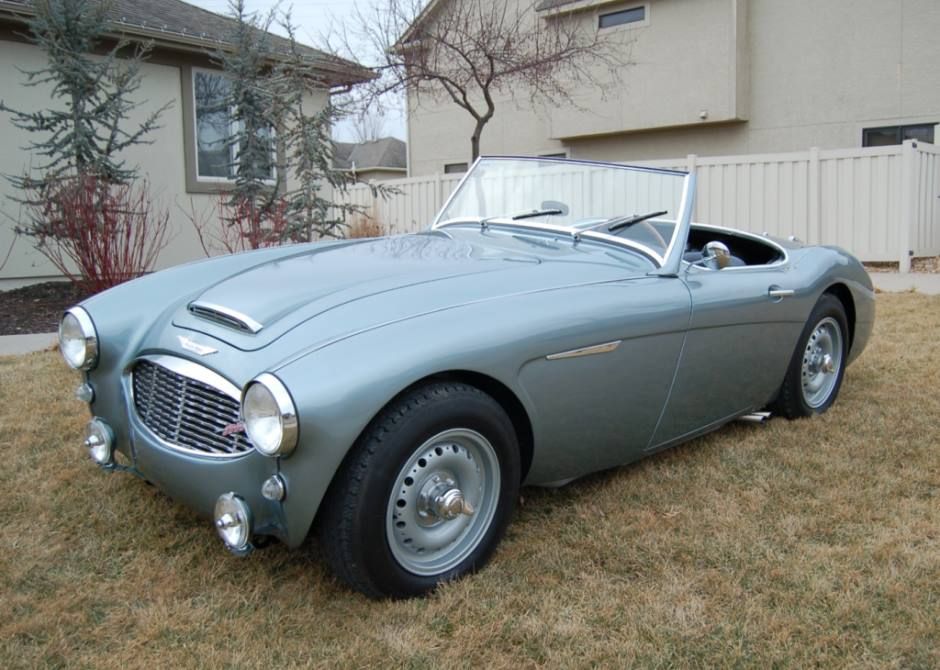
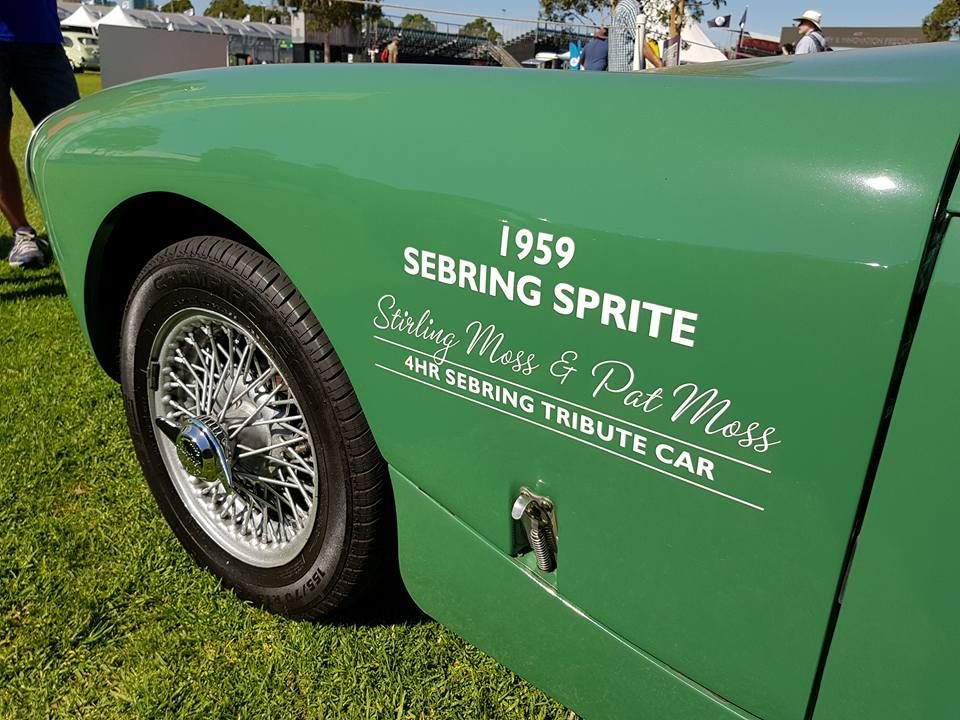
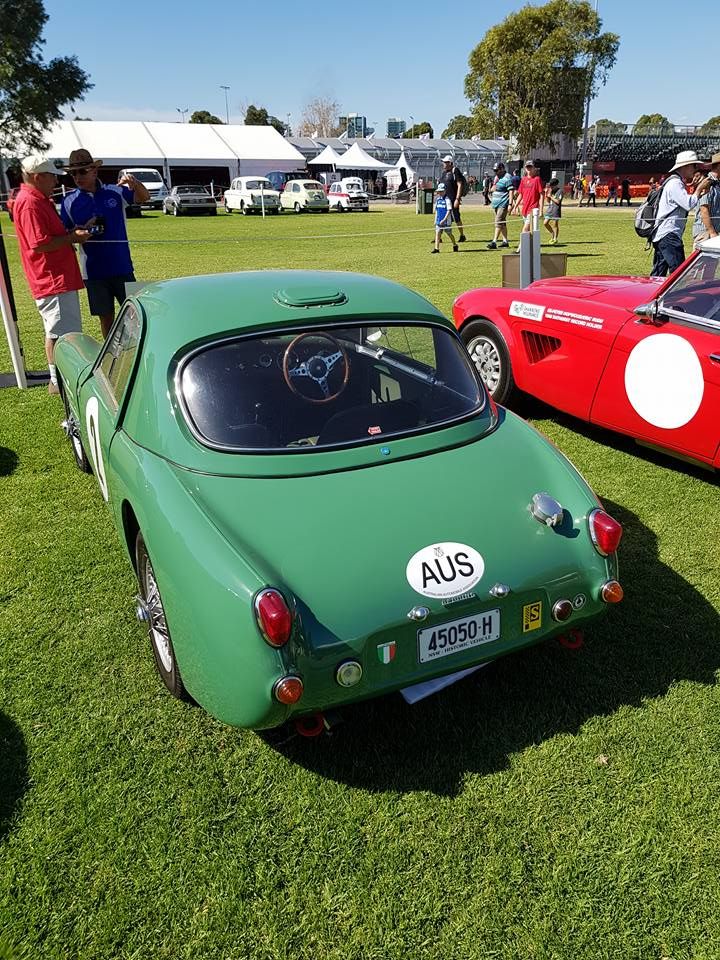
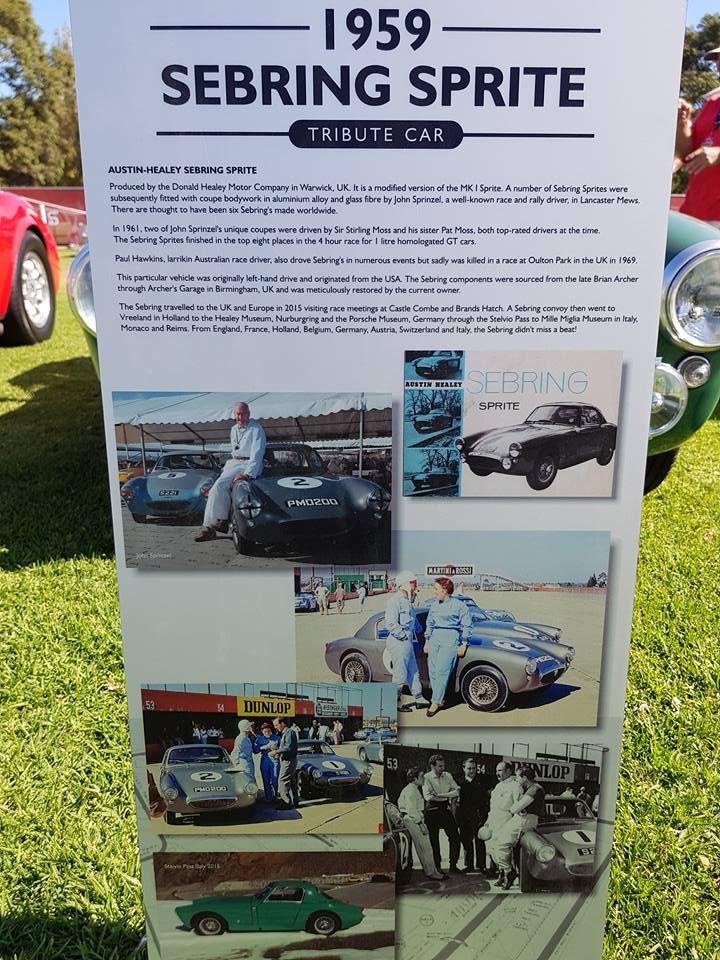
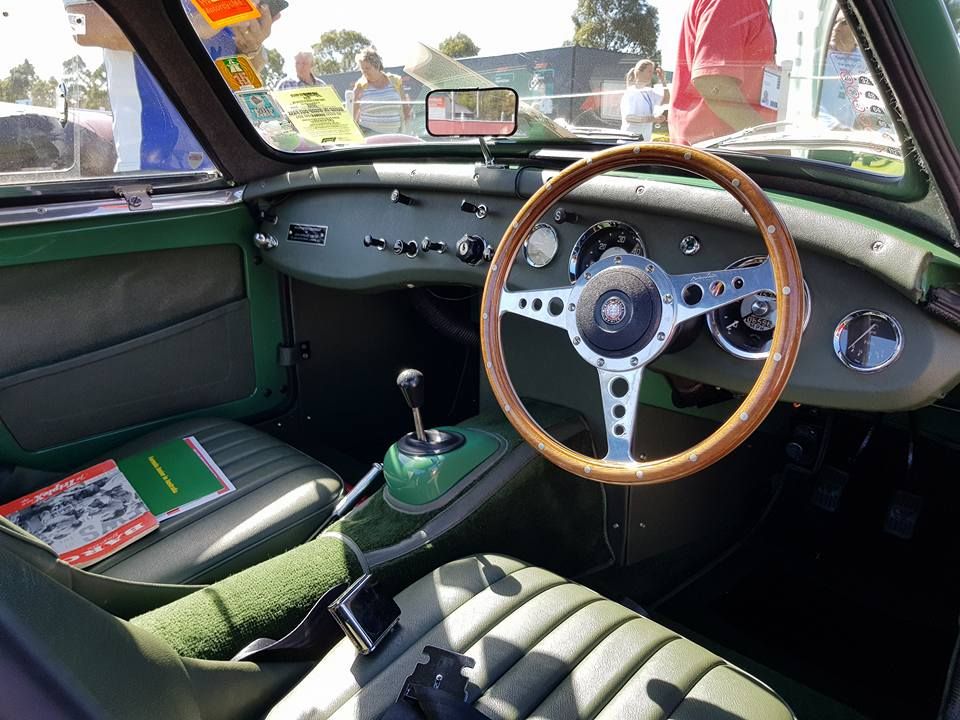
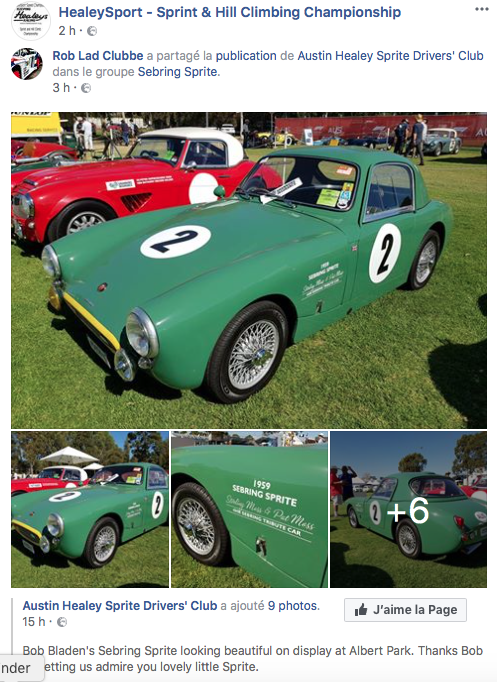
Tu y étais? Faut noter que celle sur base de midget mk3 ou 4 a un hardtop ashley complétement moulé à la caisse, du coup ça devient plus un cabriolet mais un coupé et qu'elle a un avant de chez ashley que l'on retrouve sur les frogeye normalement. Vraiment pas courant !
-
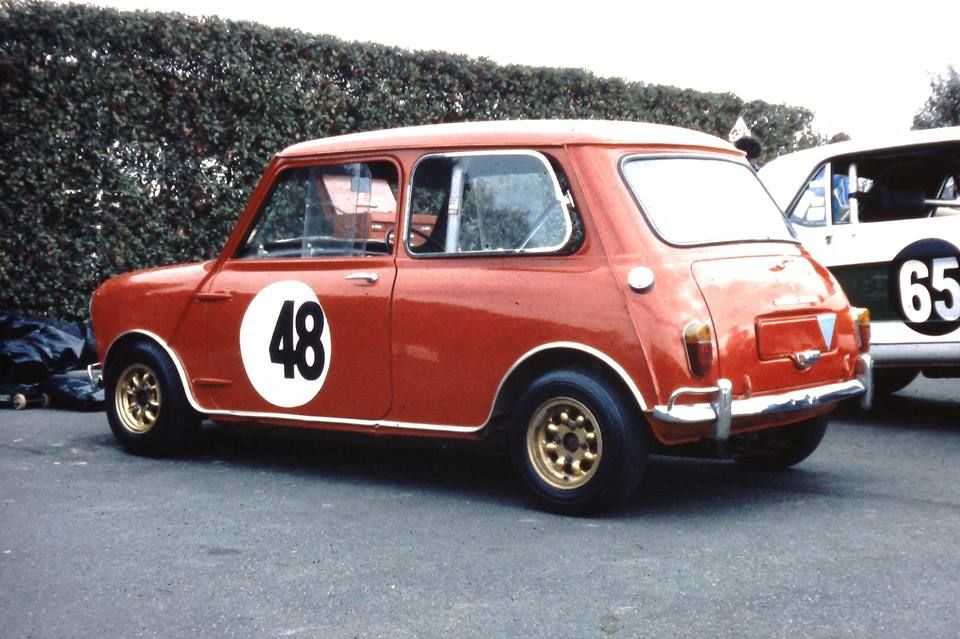
https://newsdanciennes.com/2018/03/25/god-save-the-car-a-montlhery-a-nous-les-petites-anglaises/





-
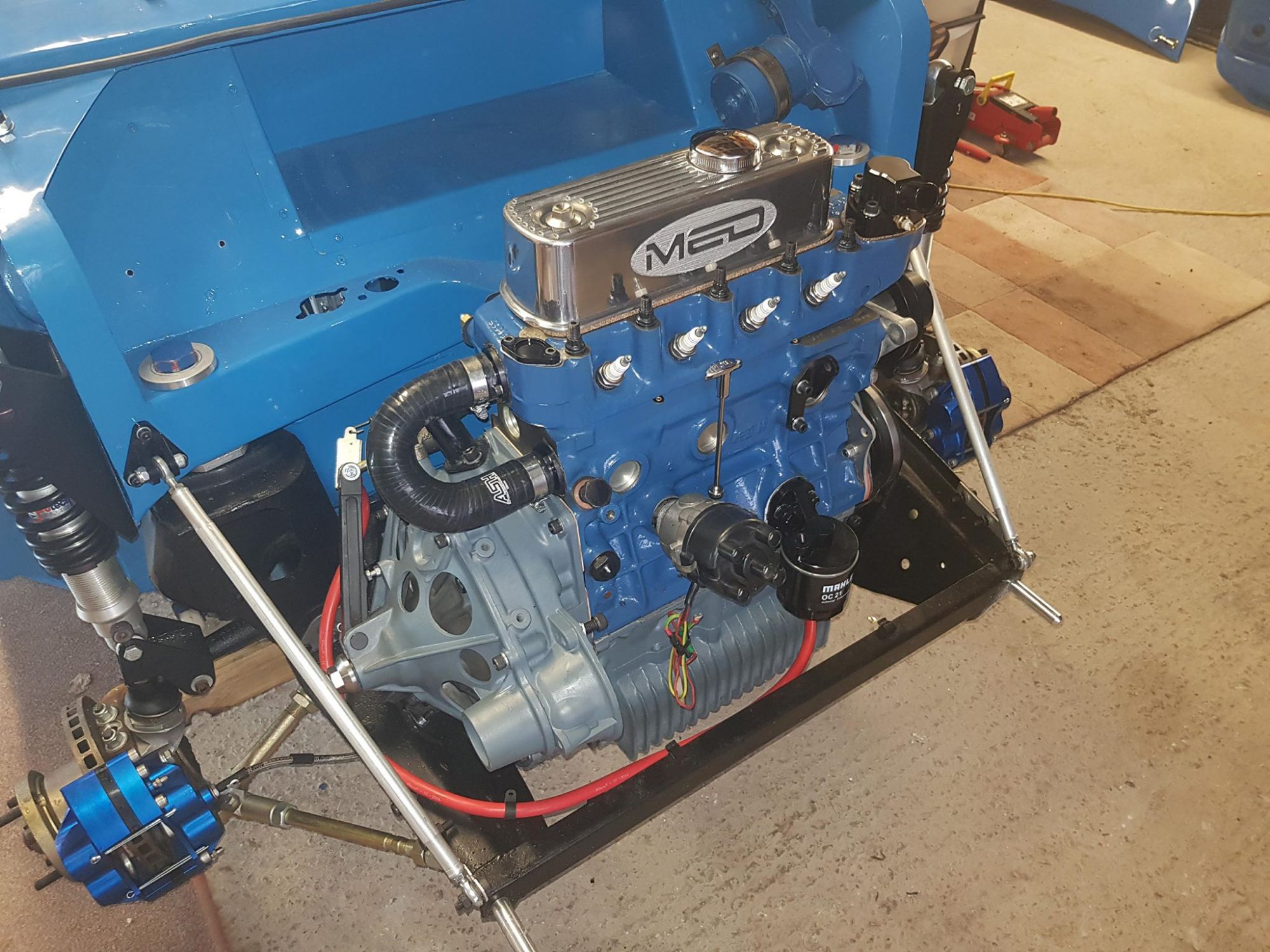
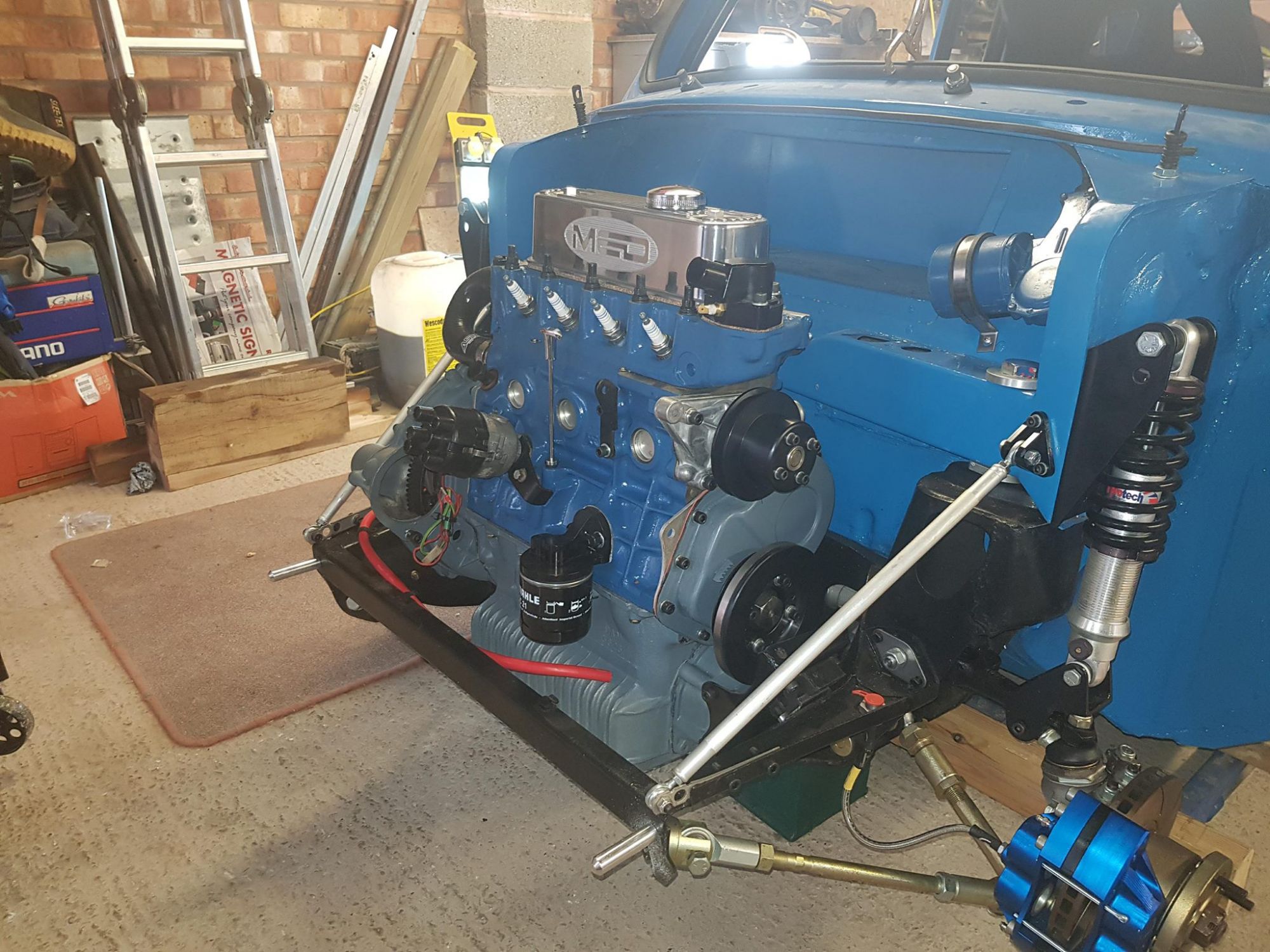
C'est exactement ce que je me suis dit :) Ginetta: https://www.leboncoin.fr/voitures/1157122781.htm?ca=12_sLe temps de recherche etc, car c'est un beau puzzle, un beau kitcar. Qui en lance une petite production ? 😜proto escort mk1 (a priori visible au circuit de la bresse) https://www.racecarsdirect.com/Advert/Details/91619/ford-escort-mk1-replica?Published_by_Mike_Walters=https://www.youtube.com/watch?v=LZfUouywa5oVous avez vu les 2 fiesta à Goodwood 76MM ?Gilbern https://www.carandclassic.co.uk/car/C951454Merci les gars, mais je ne suis pas un grand fan du kit Ashley


















Account
Navigation
Rechercher
Configure browser push notifications
Chrome (Android)
- Tap the lock icon next to the address bar.
- Tap Permissions → Notifications.
- Adjust your preference.
Chrome (Desktop)
- Click the padlock icon in the address bar.
- Select Site settings.
- Find Notifications and adjust your preference.
Safari (iOS 16.4+)
- Ensure the site is installed via Add to Home Screen.
- Open Settings App → Notifications.
- Find your app name and adjust your preference.
Safari (macOS)
- Go to Safari → Preferences.
- Click the Websites tab.
- Select Notifications in the sidebar.
- Find this website and adjust your preference.
Edge (Android)
- Tap the lock icon next to the address bar.
- Tap Permissions.
- Find Notifications and adjust your preference.
Edge (Desktop)
- Click the padlock icon in the address bar.
- Click Permissions for this site.
- Find Notifications and adjust your preference.
Firefox (Android)
- Go to Settings → Site permissions.
- Tap Notifications.
- Find this site in the list and adjust your preference.
Firefox (Desktop)
- Open Firefox Settings.
- Search for Notifications.
- Find this site in the list and adjust your preference.