


Alex
Bureau
-
Inscription
-
Dernière visite
Tout ce qui a été posté par Alex
-
oui il y a in intérêt par rapport à un DCOE ?
-
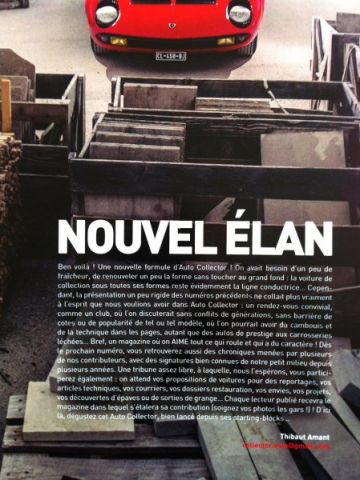
http://vimeo.com/64528023http://youtu.be/7iMcXWiS1AIexcellent ça, et elle ressemble encore à une auto...il ne reste plus beaucoup de place pour la marmaille :lol:belle photo, deux belles autos, et le lieu :wub:1802 correcte pour le prix : http://www.leboncoin.fr/voitures/477527516.htm?ca=8_sBravo à nos amis du Cub BMW 02 Horizon 2002 pour leur magnifique participation au salon RétroMoteur de Ciney : http://www.horizon2002.com/forum/viewtopic.php?p=93409#93409Je vous invite à vous procurer et à lire Autocollector nouvelle formule. A vos marques ?
 Tu sais bien que si tu ne peux pas venir ton inscription sera reportée sur la date suivante ;) De plus les chèques sont encaissés début Octobre.
Account
Navigation
Rechercher
Configure browser push notifications
Chrome (Android)
- Tap the lock icon next to the address bar.
- Tap Permissions → Notifications.
- Adjust your preference.
Chrome (Desktop)
- Click the padlock icon in the address bar.
- Select Site settings.
- Find Notifications and adjust your preference.
Safari (iOS 16.4+)
- Ensure the site is installed via Add to Home Screen.
- Open Settings App → Notifications.
- Find your app name and adjust your preference.
Safari (macOS)
- Go to Safari → Preferences.
- Click the Websites tab.
- Select Notifications in the sidebar.
- Find this website and adjust your preference.
Edge (Android)
- Tap the lock icon next to the address bar.
- Tap Permissions.
- Find Notifications and adjust your preference.
Edge (Desktop)
- Click the padlock icon in the address bar.
- Click Permissions for this site.
- Find Notifications and adjust your preference.
Firefox (Android)
- Go to Settings → Site permissions.
- Tap Notifications.
- Find this site in the list and adjust your preference.
Firefox (Desktop)
- Open Firefox Settings.
- Search for Notifications.
- Find this site in the list and adjust your preference.