Vettefab
Membres
-
Inscription
-
Dernière visite
Tout ce qui a été posté par Vettefab
-
Toujours en plissant les yeux je vois une 356SL MK2 plutôt ! 😄 Ça n'est pas l'oeuvre d'un artiste automobile, à moins que je ne connaisse pas le modèle. Mais faut reconnaître qu'il était inspiré car ce crayonné, ça aurait de la gueule sur une vraie route !!
-
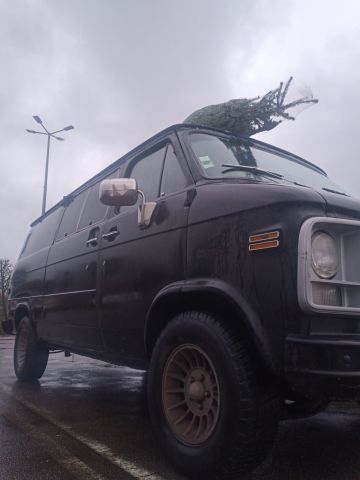
La vache, le bois de chauffage sur les sièges en velours, faut vraiment être un bourrin, même moi je ne le ferais pas et pourtant j'en tiens une couche ! 😂 Et pour le chauffeur de la GT40 c'est quoi ces lorgnons, quand on dit souder la pédale au plancher c'est une image hein... Bon, vu la date il va peut être falloir se grouiller pour ramener le sapin avant de filer un coup de main en cuisine, alors on sort les voitures qui marchent un peu et gaz !! https://youtube.com/shorts/J1sJtluziDo
-
C'est top, ça prend beaucoup moins de place que 2 chandelles quand on trimballe déjà le cric dans le coffre. Si c'était 80€ en France j'aurais réfléchi, mais quand on rajoute frais de port et douane depuis chez les hamburger ça piquotte !
-
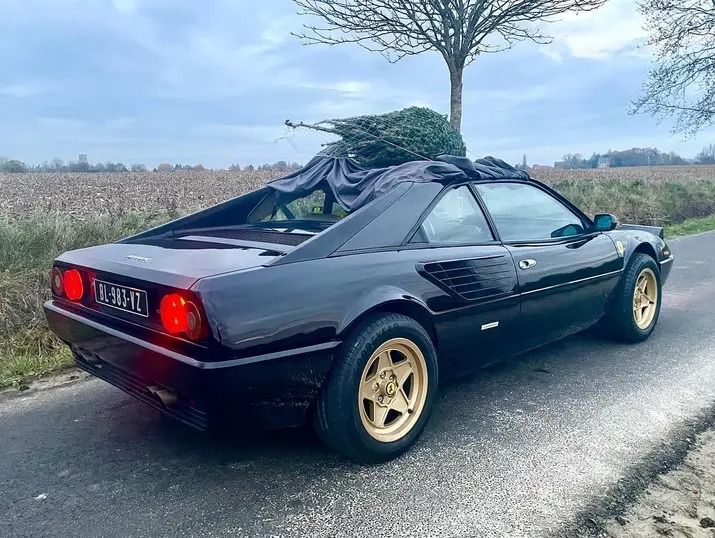
M'enfin chérie, tu vois bien le temps qu'il faisait, la tenue qu'elle avait... Je ne pouvais pas laisser cette demoiselle frigorifiée au bord de la route... Et puis tu connais l'inefficacité du chauffage de la Porsche, il a fallu trouver un moyen ! 🤪
-
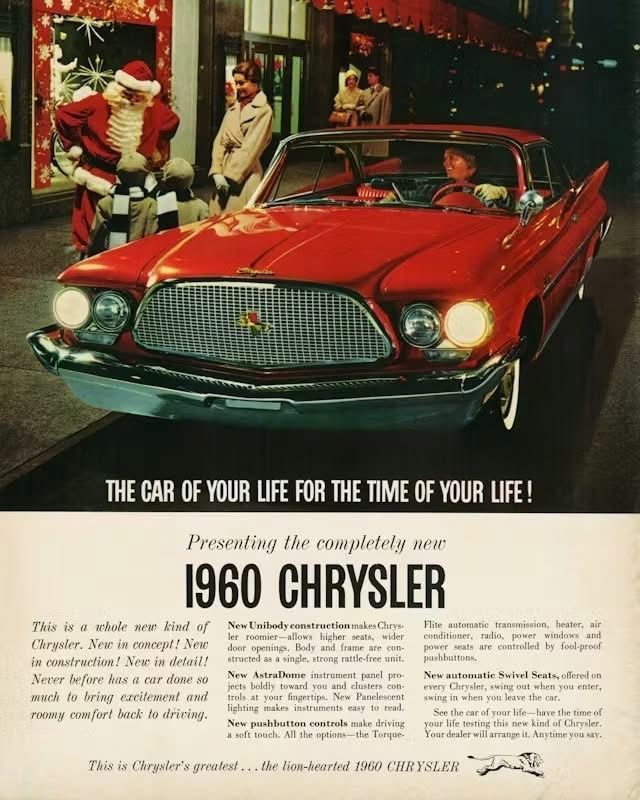
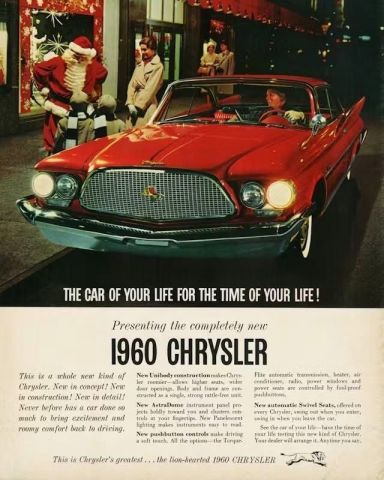
Pas de sapin, (quoiqu'on peut en caser un de belle taille dans la malle arrière) mais apparemment pour parler au père Noël il faut une voiture qui en impose !
-
Je dirais Ford Falcon 61 Plutôt Mercury Comet en vérifiant, car la finition en inox me paraissait bizarre, mais bon, je ne suis pas tombé loin, c'est la même bagnole !! 😅
-
Je dirais Ford Falcon 61
-
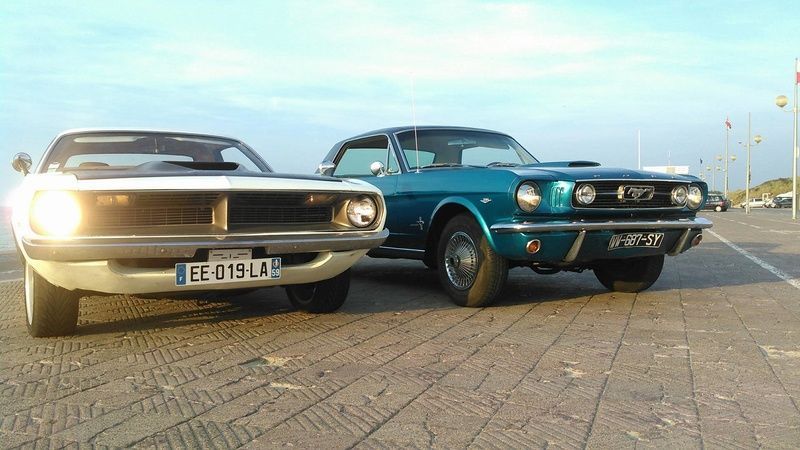
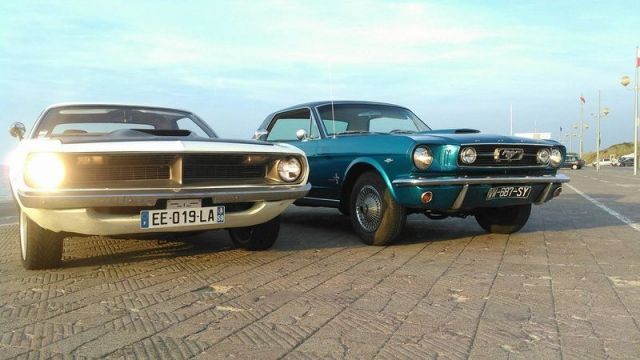
C'est le chargement des documents et photos 😉 C'est good pour la Barracuda, ainsi que la Mustang de madame 🤩
-
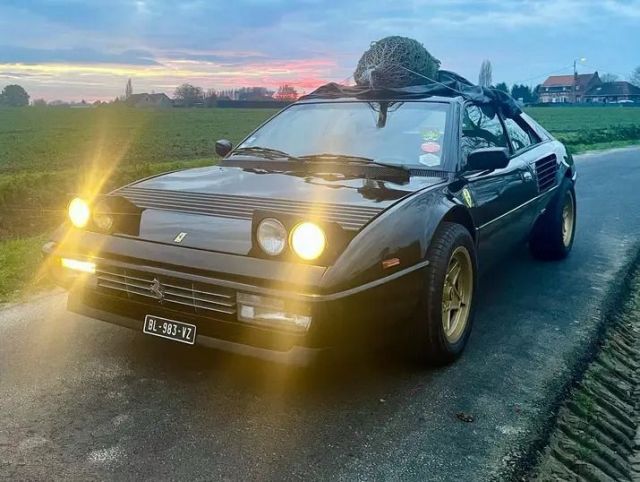
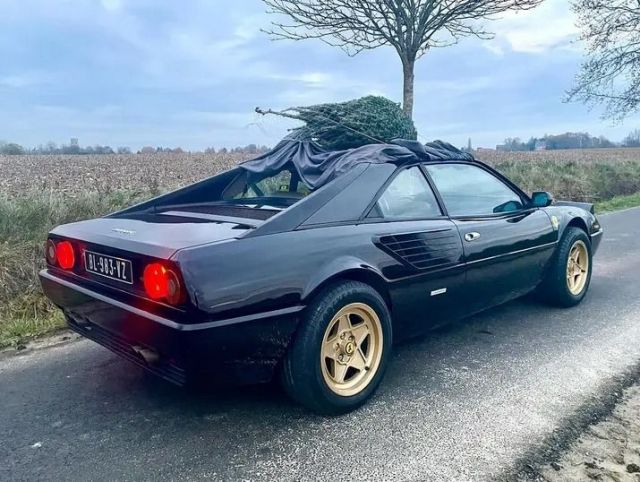
Je vous partage les photos d'un copain
-
J'aime pas les tractions 😝 (ça serait néanmoins un choix plus sensé et moins coûteux que de faire tourner un tas de tôle américain en surpoids qui commence à valoir un peu de sous et consomme de l'essence et des pneus) Mais si il n'y a pas un brin de folie, à quoi sert notre passion ! D'ailleurs Jean-Marc, la GT40 sera prête d'ici là j'imagine ou tu inscris la Galaxie sur le Bugatti et tu réserves la GT40 pour les tracés plus techniques ? Merci !
-
Non, un coupé 3.0L 2 soupapes de 81 qui a eu son moteur remplacé par un 3.0 Quattrovalvole quelques années plus récent. J'ai une autre question(z'avez le droit de me dire que je suis casse-burnes!) J'essaie de motiver mon oncle (ZD sur le forum, mais qui n'est pas venu depuis un moment). Sa Corvette C3 68 a un LS1 sous le capot (moteur de C5 de 98, 5.7 et 345ch, donc pas une différence énorme par rapport à l'origine) il a participé à quelques sorties SCCT vers 2006-2008 mais il se demande si son swap serait encore accepté.
-
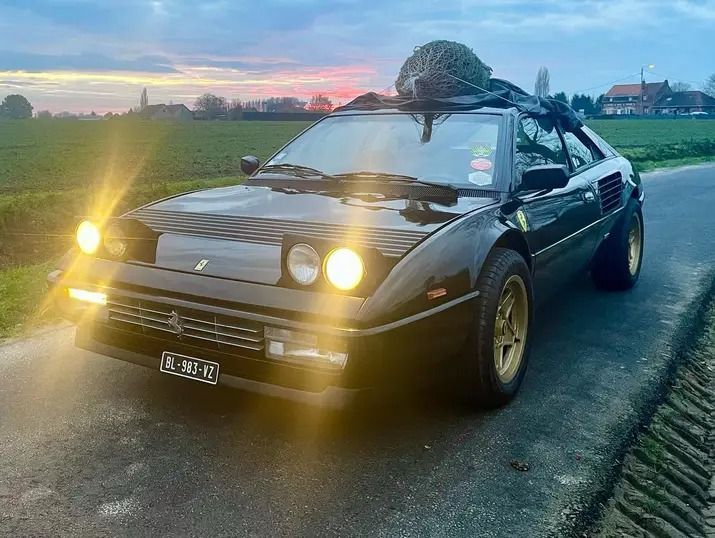
Merci ! Petit question supplémentaire : Un copain qui a l'air motivé hésite entre sa Ferrari Mondial et sa 924, il peut s'inscrire vendredi et informer de son choix plus tard ?
-
Avec 4 plateaux ça représente si tout va bien 4 sessions de 20 minutes par groupe c'est à peu près ça ? Il y aura quelques séances avec un instructeur disponibles ? J'ai bien envie d'offrir une inscription à ma femme, si elle n'a pas sa mustang elle voudra me piquer le volant de la Plymouth ! 😂 (Et du coup ça m'obligera à enfin virer les tambours avant, le maître cylindre simple bol, et mettre un shift kit dans sa boitoto d'ici là !) Ah oui, je vais rajouter ça sur la liste des préparations... Celui de la Cuda est un peu fragile, et la Mustang n'en a pas ! Pour l'arrière ça ira vite je monterais un œil à boulonner à la place des boules caravane
-
Si j'ai bien compris l'explication de Sourire, l'histoire de 2º de moins c'est pour ne pas flinguer le moteur avec trop d'avance centrifuge maxi. La méthode expliquée prête à confusion, j'imagine que n'ayant pas de lampe strobo à déphasage (ou déphasage n'allant pas assez loin) tu as dû utiliser les valeurs d'avance initiale au ralenti pour extrapoler l'avance centrifuge maxi. Sur un allumeur programmable on peut limiter et modifier électroniquement la courbe et les valeurs maxi, mais ça marche sensiblement pareil (en plus chiant) sur un allumeur traditionnel à masselottes et capsule de dépression. En fonction des ressorts et des masselottes l'avance maxi arrive plus ou moins tôt dans la plage de régime, on peut le voir facilement moteur tournant si on a une lampe strobo à déphasage ou même une normale en collant un autocollant gradué sur le damper (en bouchant la durite de l'avance à dépression). Pour la performance il est bénéfique de modifier la courbe d'avance centrifuge pour l'augmenter rapidement, jusqu'à être à fond dès 1400-1700rpm (selon la config moteur ça varie bien sûr), et un peu d'avance initiale supplémentaire peut aider aussi. En revanche il faut vérifier que l'avance mécanique totale (initiale+centrifuge) ne dépasse pas une certaine limite. Cette valeur varie selon l'efficacité de la chambre de combustion, le taux de compression et divers paramètres, sans quoi si trop d'avance on peut avoir du cliquetis/auto-allumage. Pour des moteurs de grande série à 2 soupapes par cylindre fin 60s et 70s, en règle général il ne faut pas plus de 30-34º à fond. Sur un moteur où l'on ne connais pas encore cette valeur critique ou si l'on n'a pas de moyens de mesurer une avance aussi haute, on fait des essais routiers en rajoutant au fur et à mesure de l'avance en tournant le distributeur. Essais bien sport hein, en charge, gaz à fond. Quand on ressent les premiers signes d'auto allumage, on retire alors un peu d'avance par sécurité, en général 2° si température extérieure autour de 20°. En effet le mélange s'enflammant beaucoup plus vite au plus il fait chaud, ces quelques degrés en moins limitent les risques (mais aussi les performances) par températures plus faibles, d'où en compétition des réglages différents selon que l'on tourne à Nogaro fin juillet ou que l'on grimpe le Tourmalet en janvier. Si l'avance initiale+ l'avance centrifuge engendrent une avance mécanique trop importante il faut limiter la course des masselottes. Si on n'a pas de quoi le faire facilement, pour dépanner on peut donc réduire l'avance initiale pour ne pas avoir de détonation dans les tours. Attention, ne pas confondre l'avance mécanique maxi avec l'avance totale (avance initiale + centrifuge+ avance à dépression) peut monter beaucoup plus haut, parfois jusqu'à 60 ou 65º d'avance sans risques. Lorsqu'on roule sur un filet de gaz sur nationale par exemple : les papillons du carbu n'autorisent pas assez de débit d'air pour remplir les cylindres. Les gouttelettes d'essence étant donc plus éloignées les unes des autres dans la chambre de combustion, le front de flamme ne se déplace pas aussi vite. Augmenter l'avance dans ce cas (grâce à la dépression) permet d'avoir un meilleur rendement et de limiter les imbrulés. Je voulais faire bref mais c'est raté ! 😂 Si les explications sont floues sur un point ou un autre je peux développer
-
Ici c'est fait !
-
J'imagine que comme moi tu trouves de rouler un V8 américain c'est génial dans quasiment toutes les situations, Mais alors quand quelqu'un a l'idée de le mettre dans une anglaise ou une italienne ça me donne des frissons rien que d'essayer de m'imaginer entre le baquet et le volant ! Bon, cette TVR n'est pas la fille la plus sexy de la classe, mais une Sunbeam tiger, une Allard J2 Ou dans d'autres gamme une Bizzarrini, Iso, Jensen, ou 🐓 une Facel-Vega... Mon cœur s'emballe !
-
Quelques belles images des deux paquebots effectivement ! Toujours sur le Mans 76, j'aime beaucoup ce reportage où Bernard Darniche parle de la Corvette Greenwood. À partir de 3:54 : On y aperçoit également la Monza dont feu Gilles Ceron avait construit une version bien affûtée pour rouler en historique
-
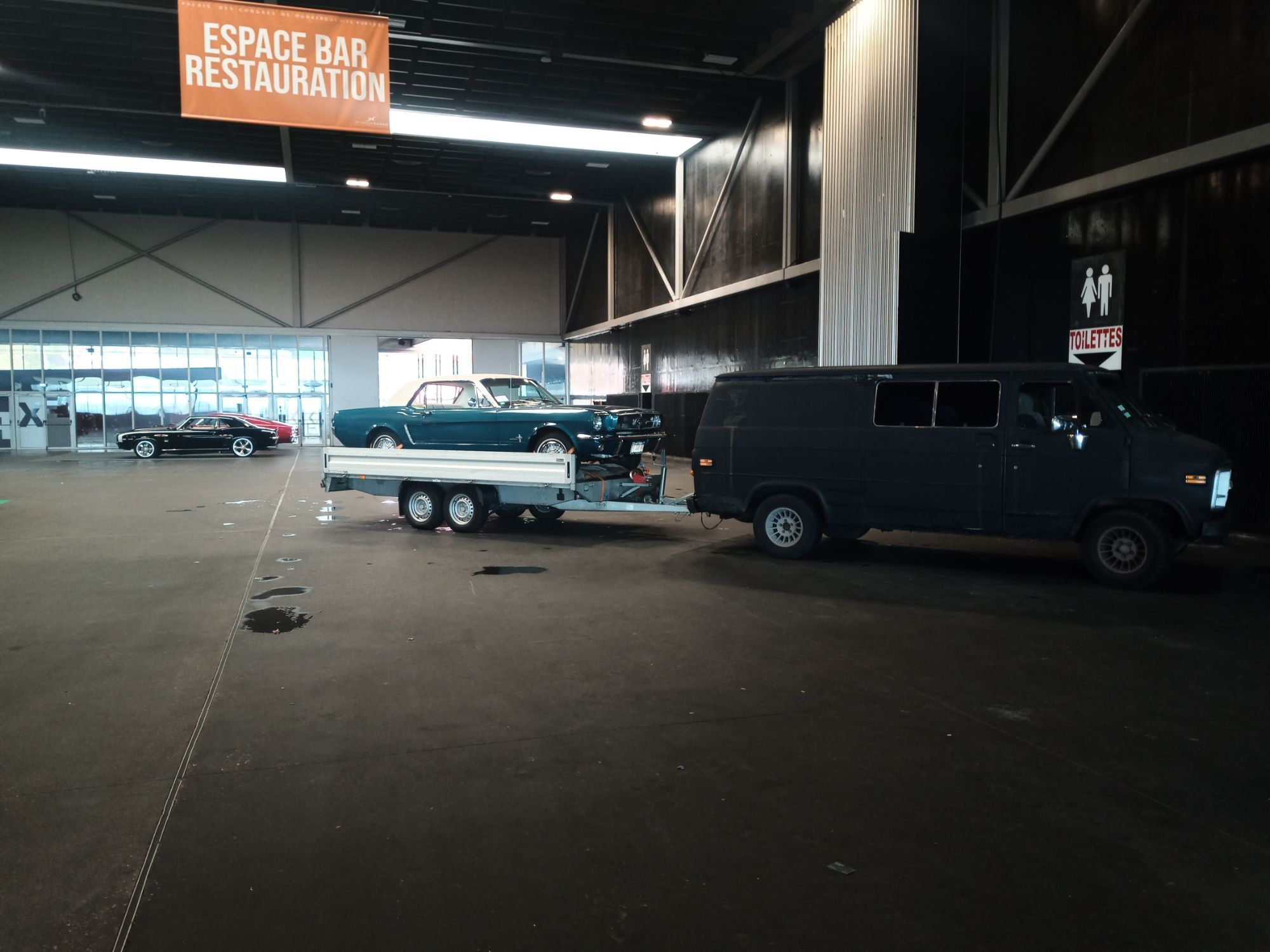
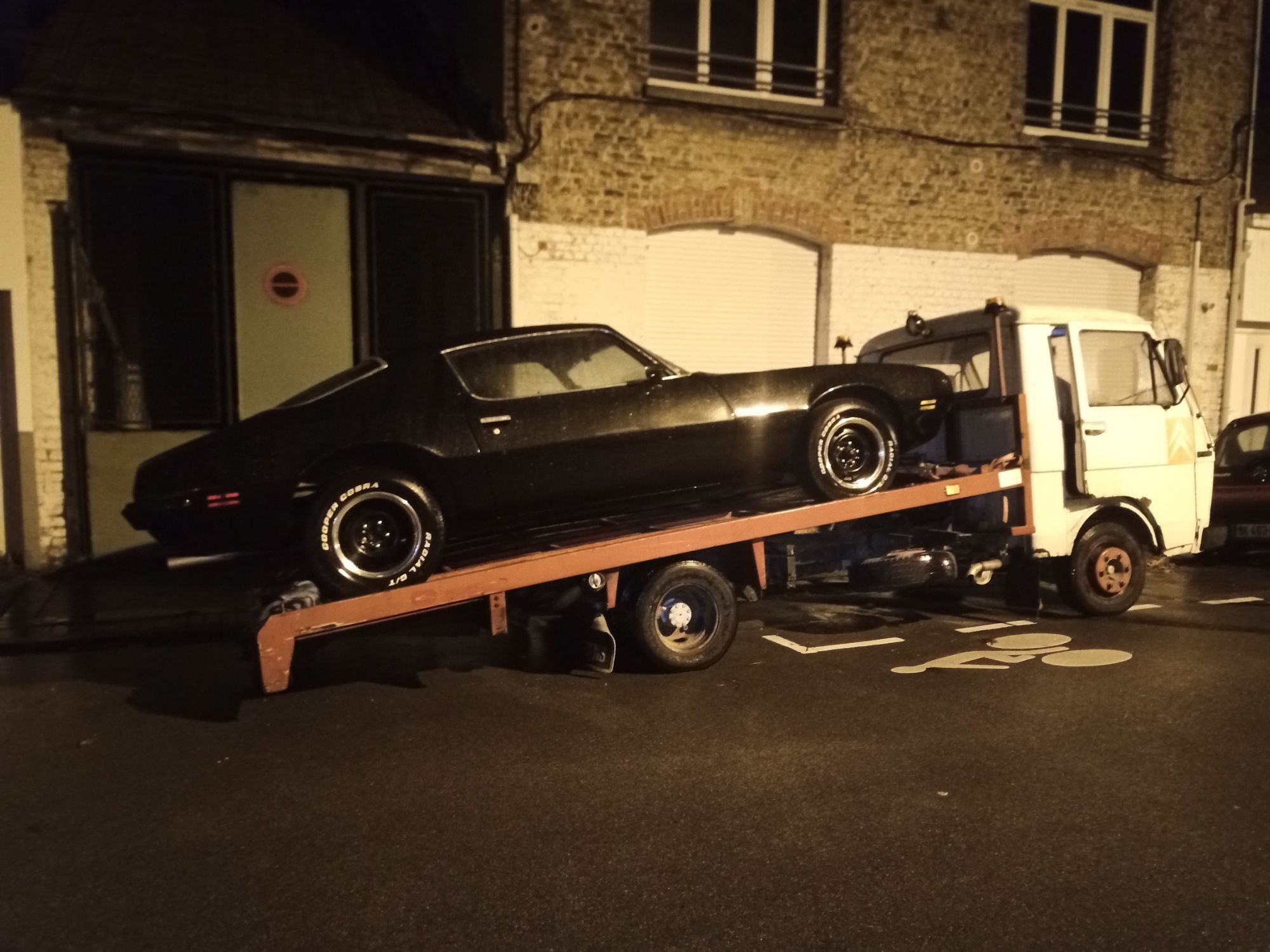
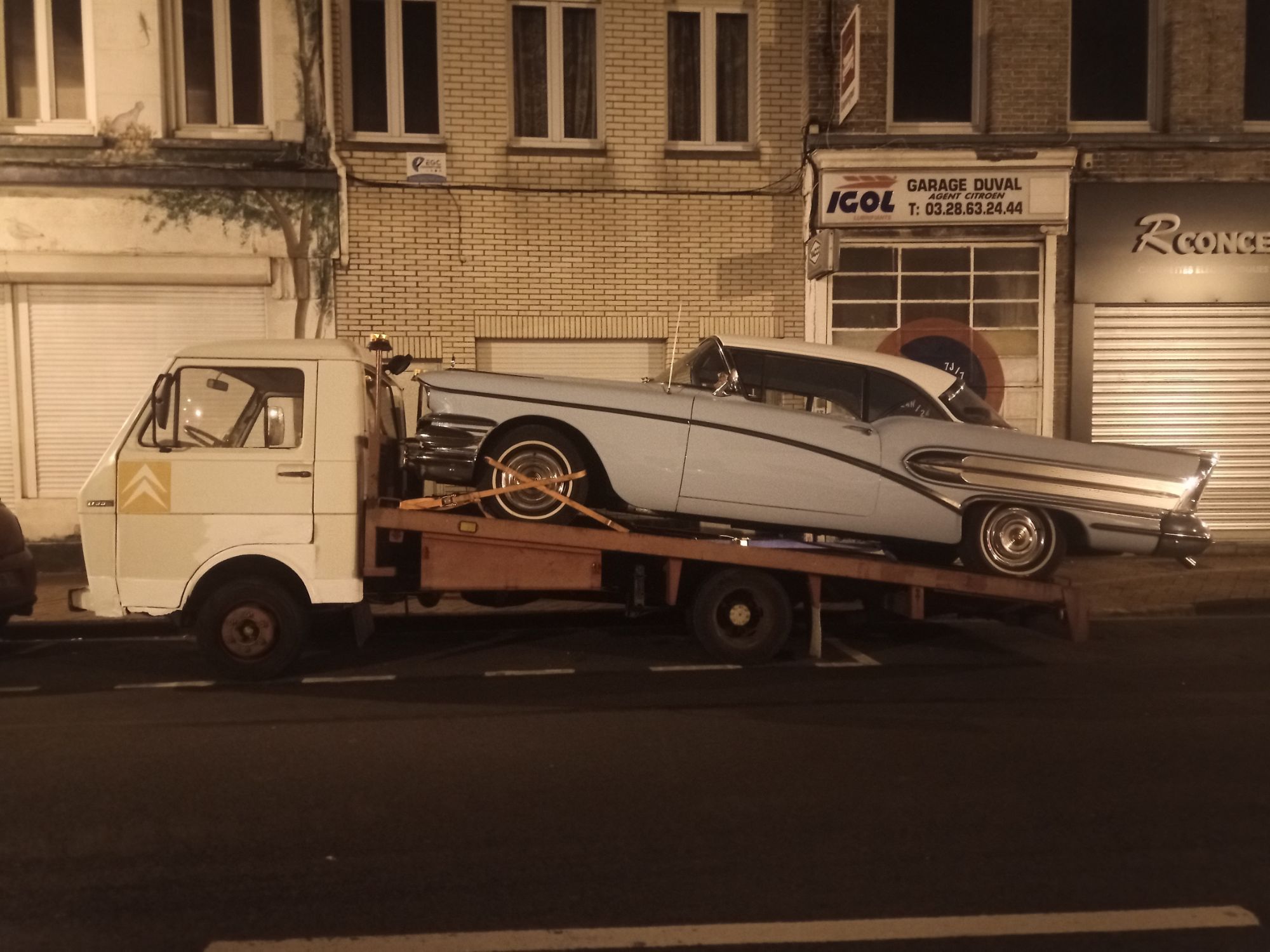
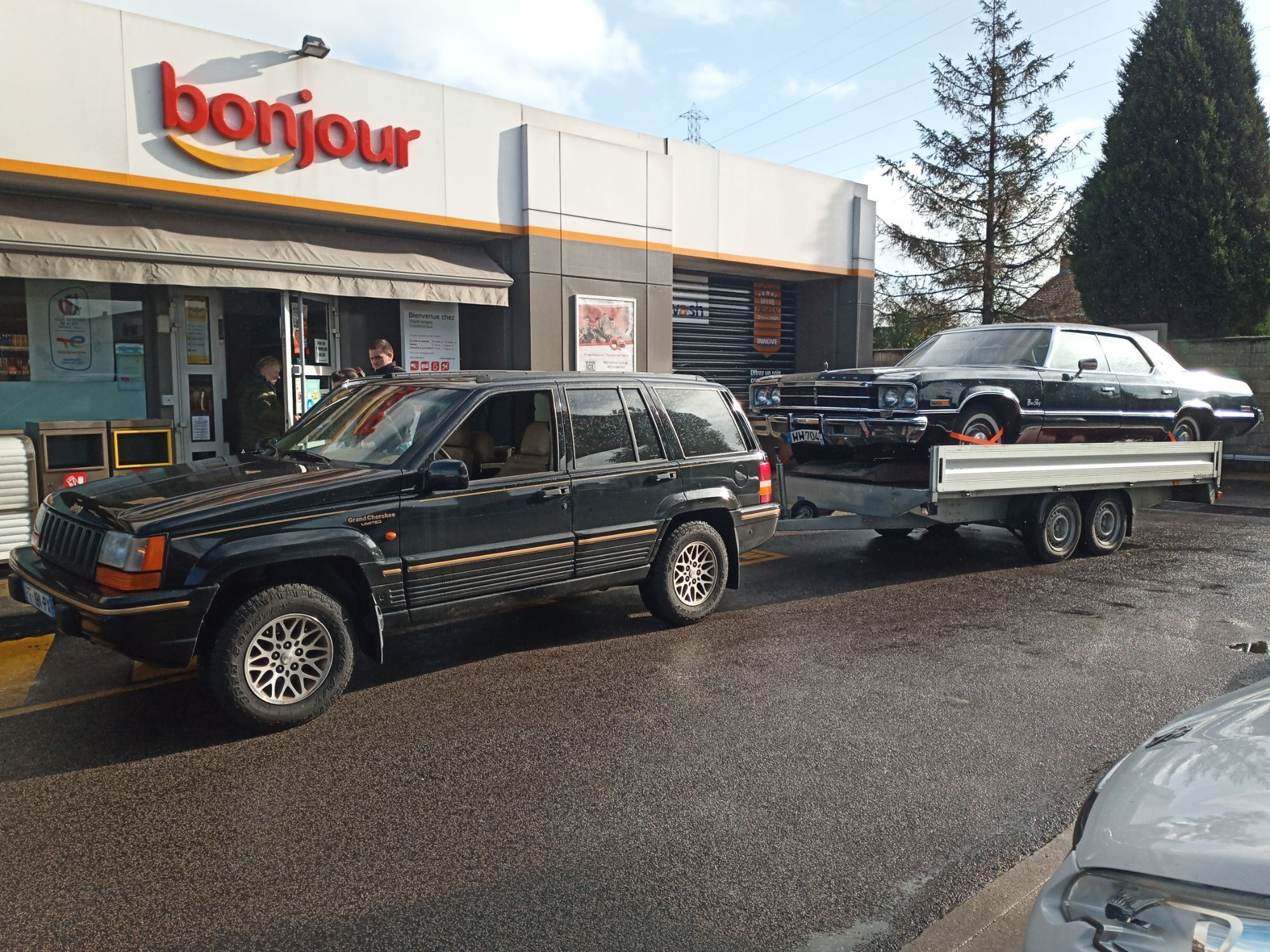
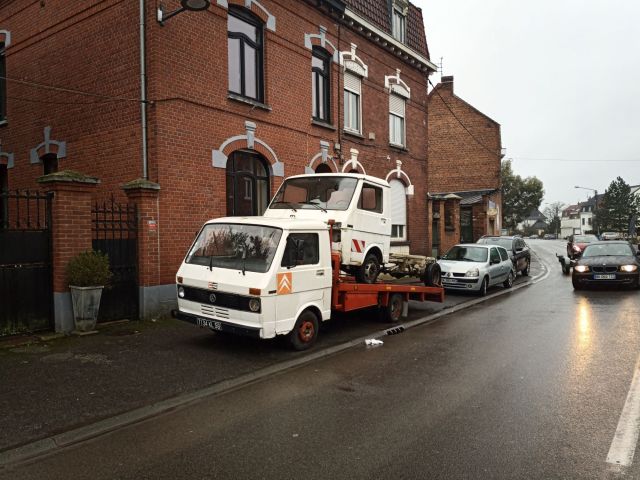
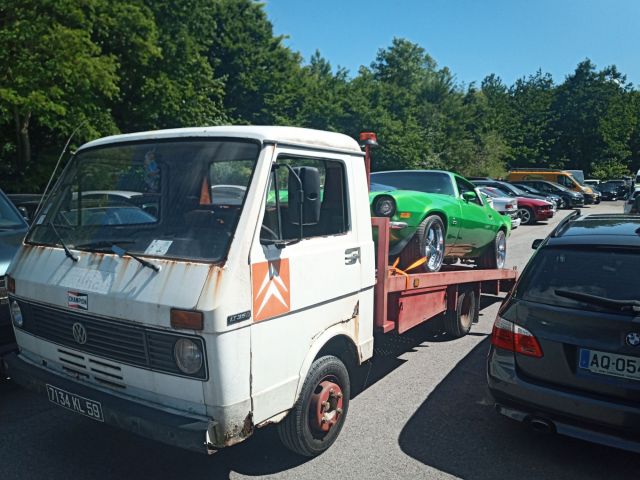
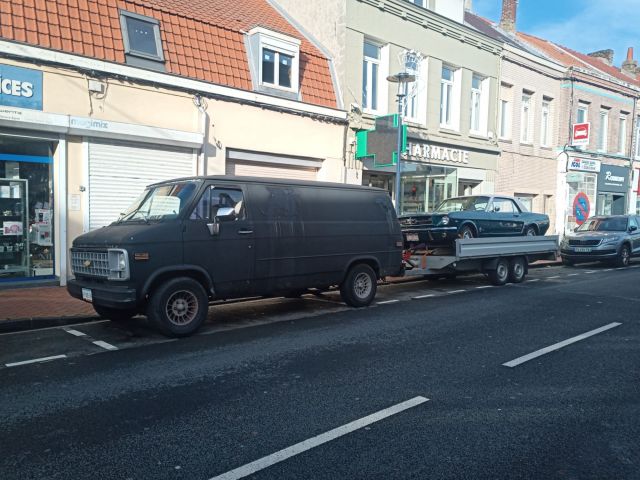
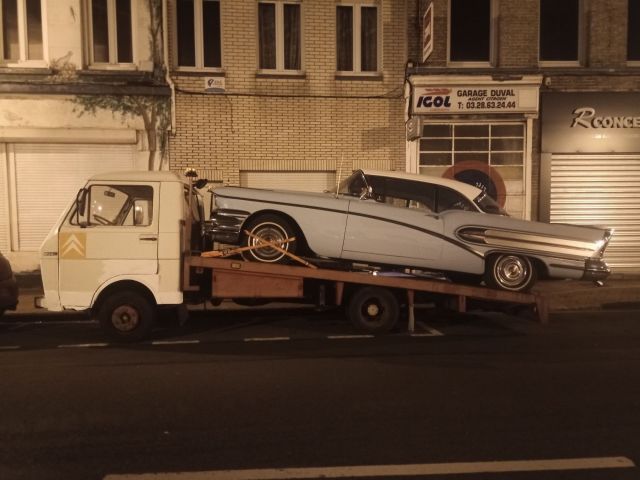
Il n'a jamais autant eu de mal que ce jour là (Avec moi en tout cas, des copains ont fait reims-dunkerque avec un tracteur agricole sur le plateau !!) Il était vraiment sous motorisé ce machin, avec son 2.7 de 65 chevaux et sa boîte 4 trop courte. Et je ne vous raconte pas le bruit de culbu sous le capot entre les sièges ! J'avais prévu de motoriser le nouveau châssis en 6 cylindres turbo avec une boîte 5 ou 6 piqués dans une Mercedes, Volvo ou BMW, mais bon, le plateau ridelles 3T et le Van même si pas encore l'idéal c'est quand même plus sérieux, Même le Jeep, l'empattement du Grand Cherokee est trop court, trop léger et des pneus trop étroits, ce n'était pas sécuritaire sur autoroute.
-
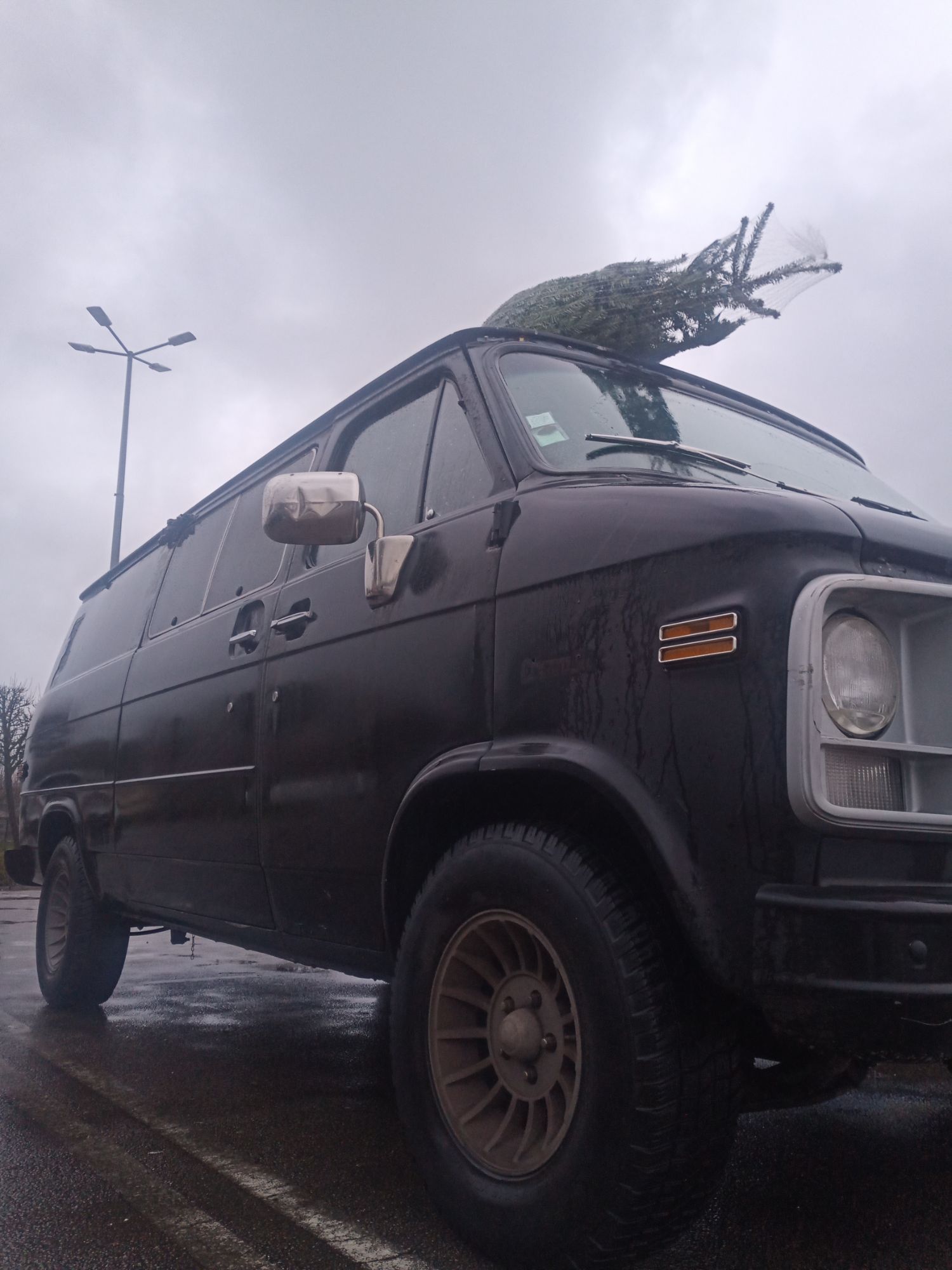
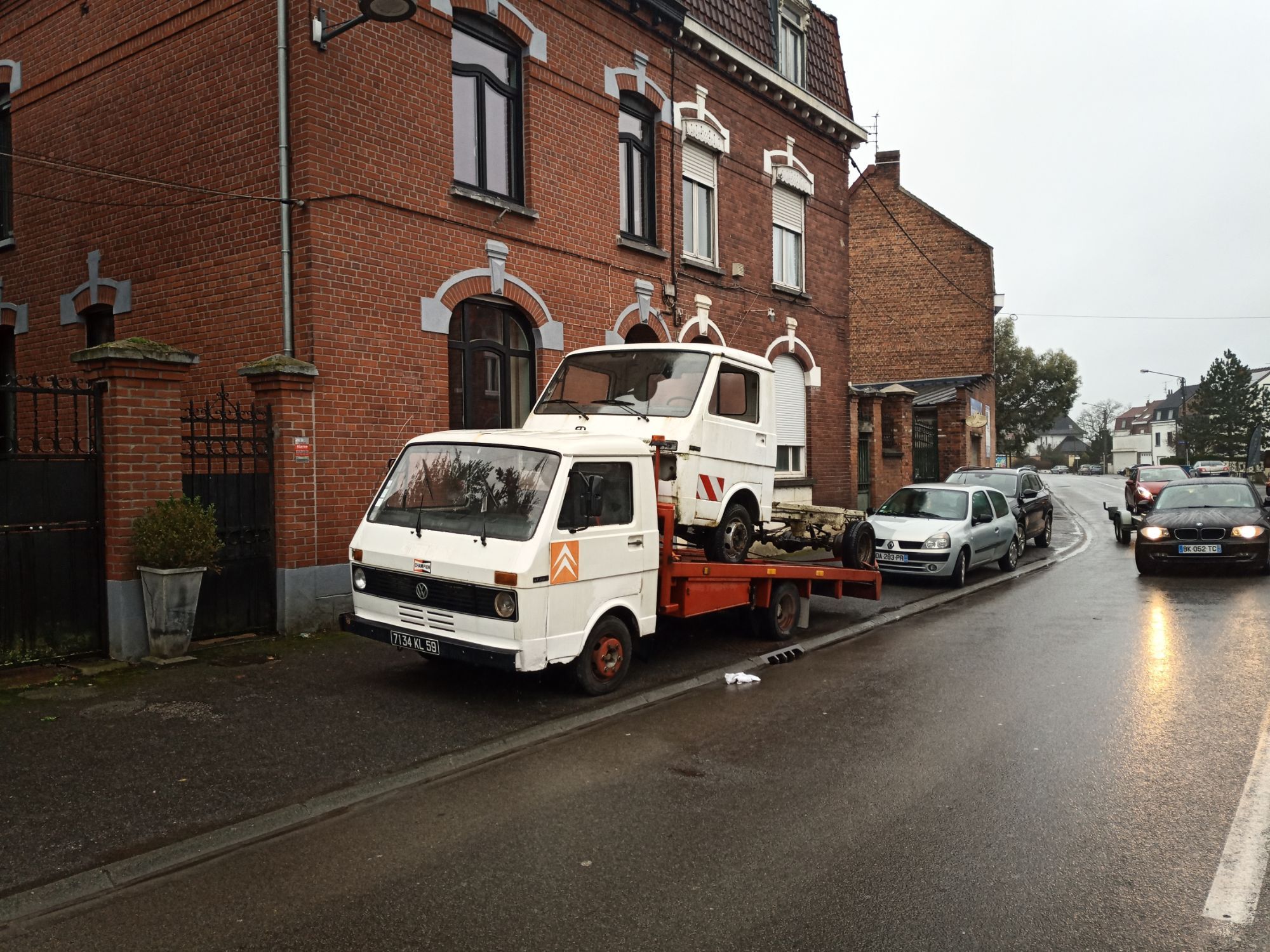
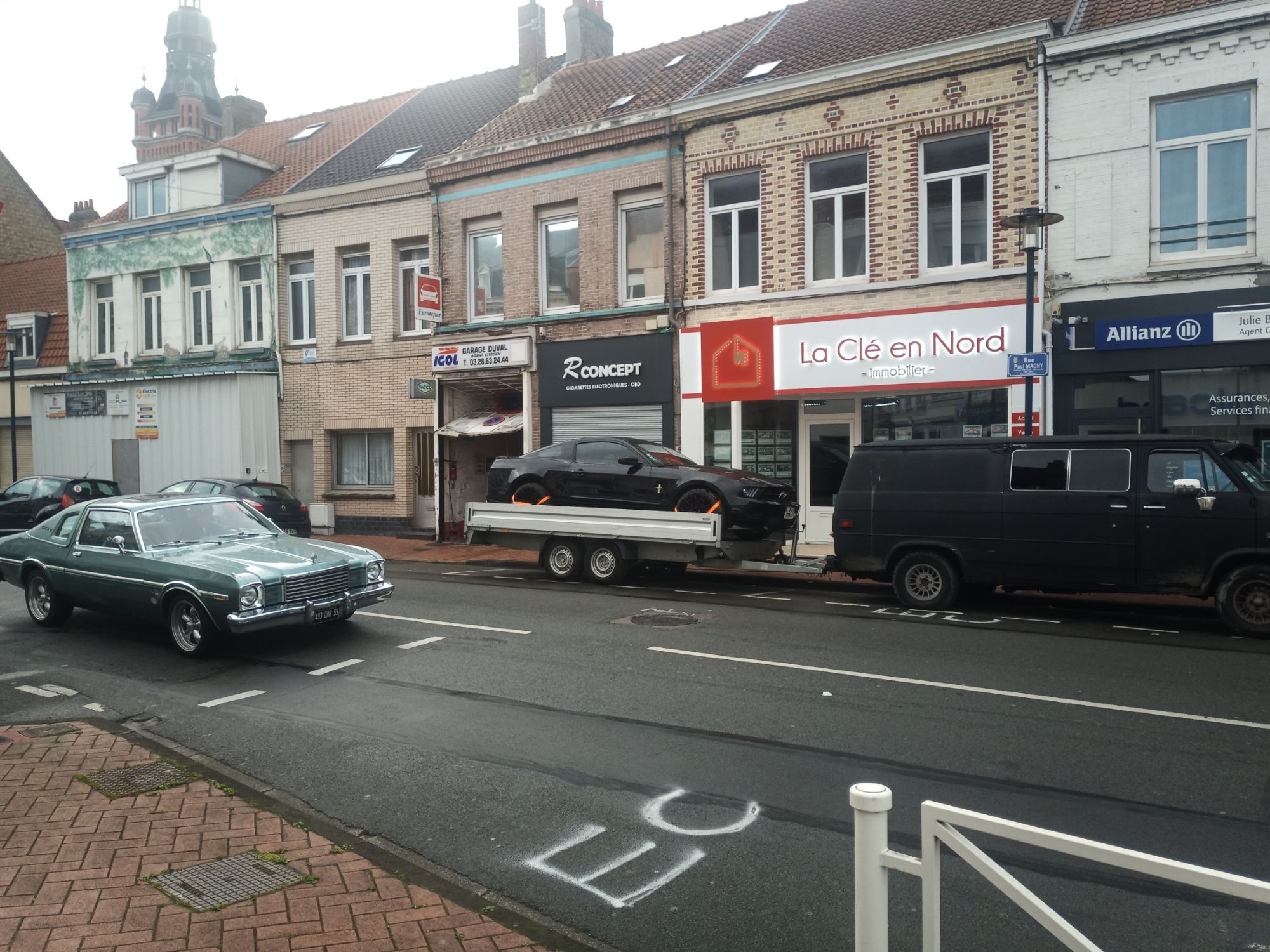
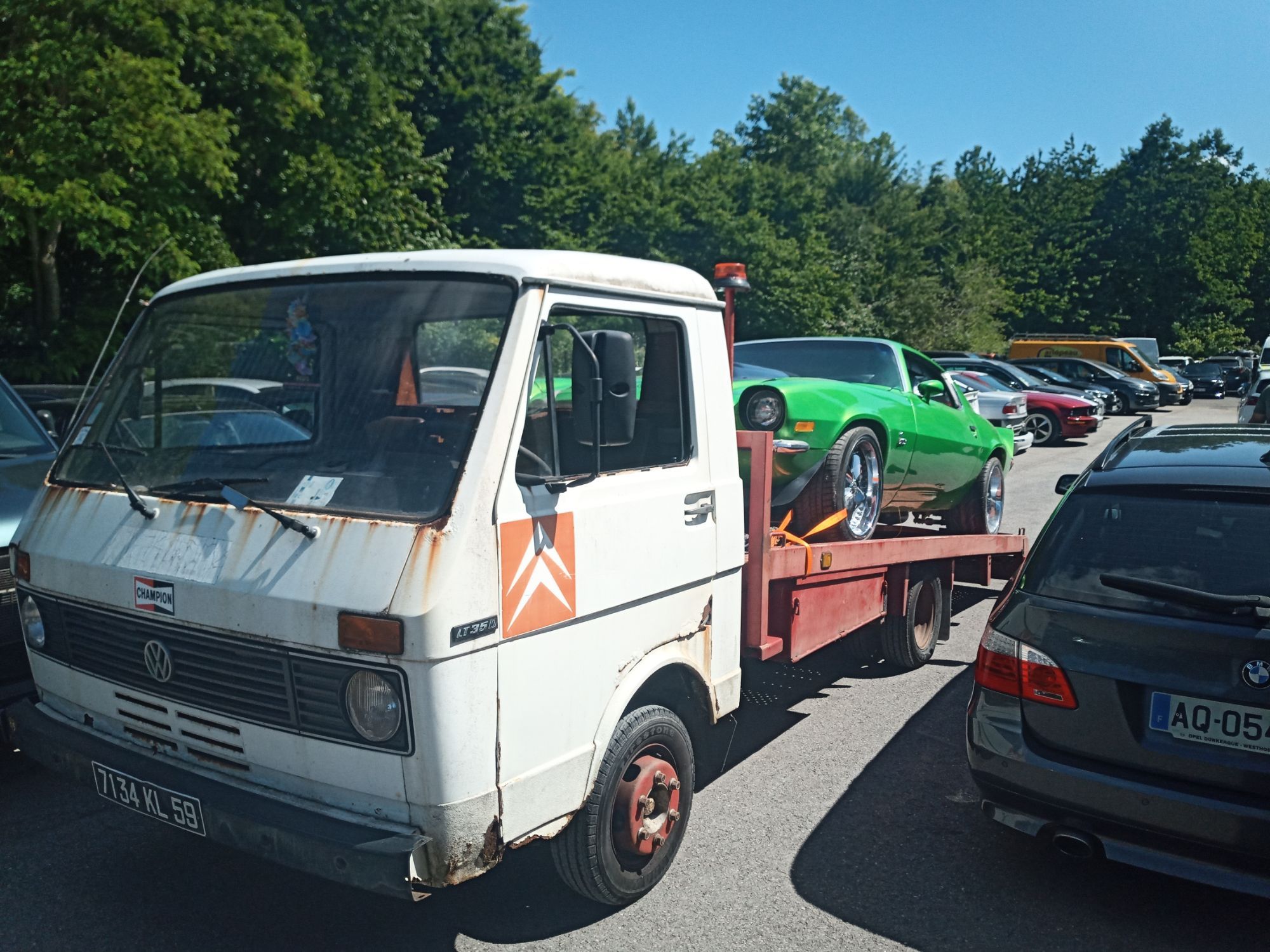
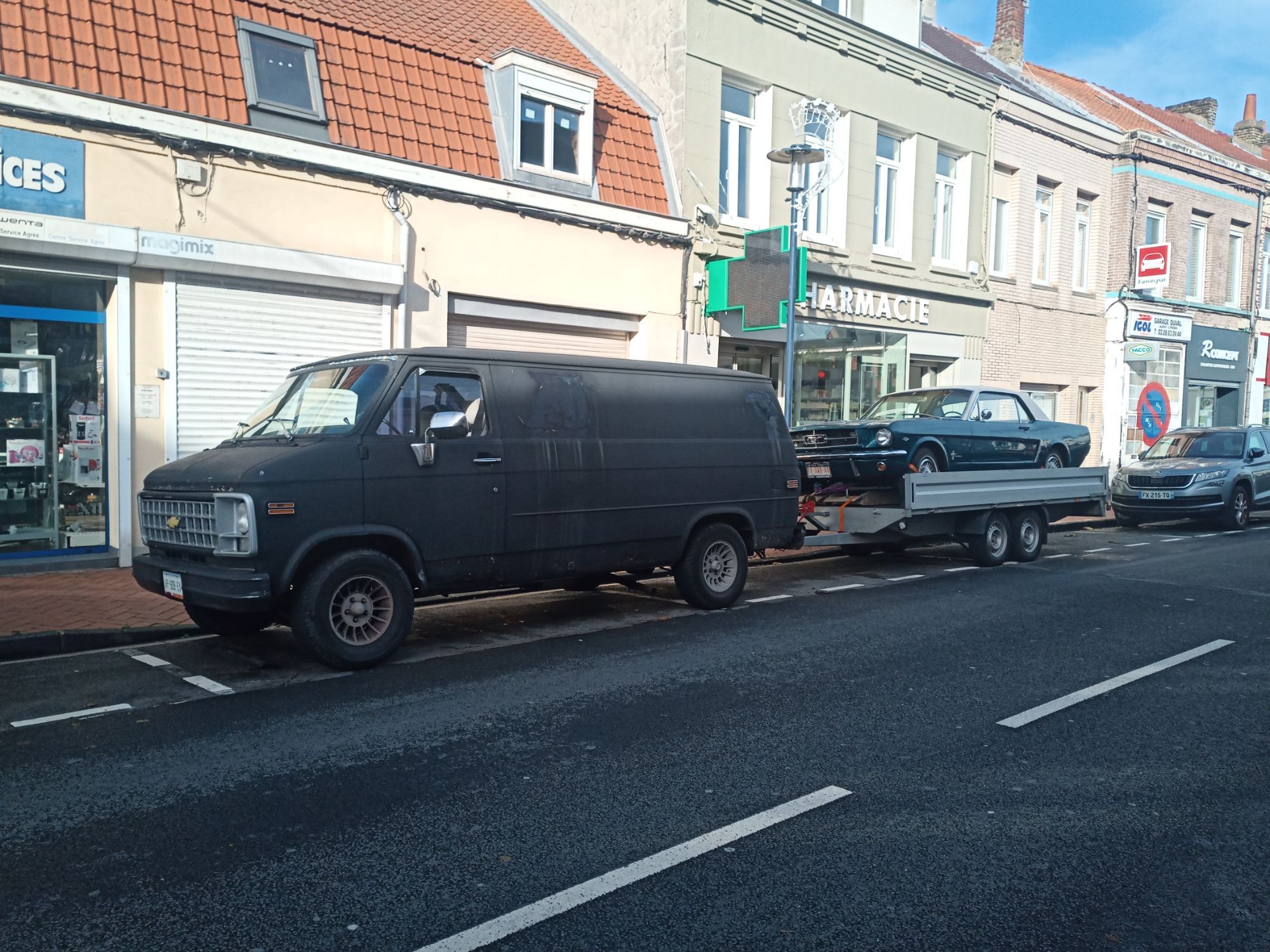
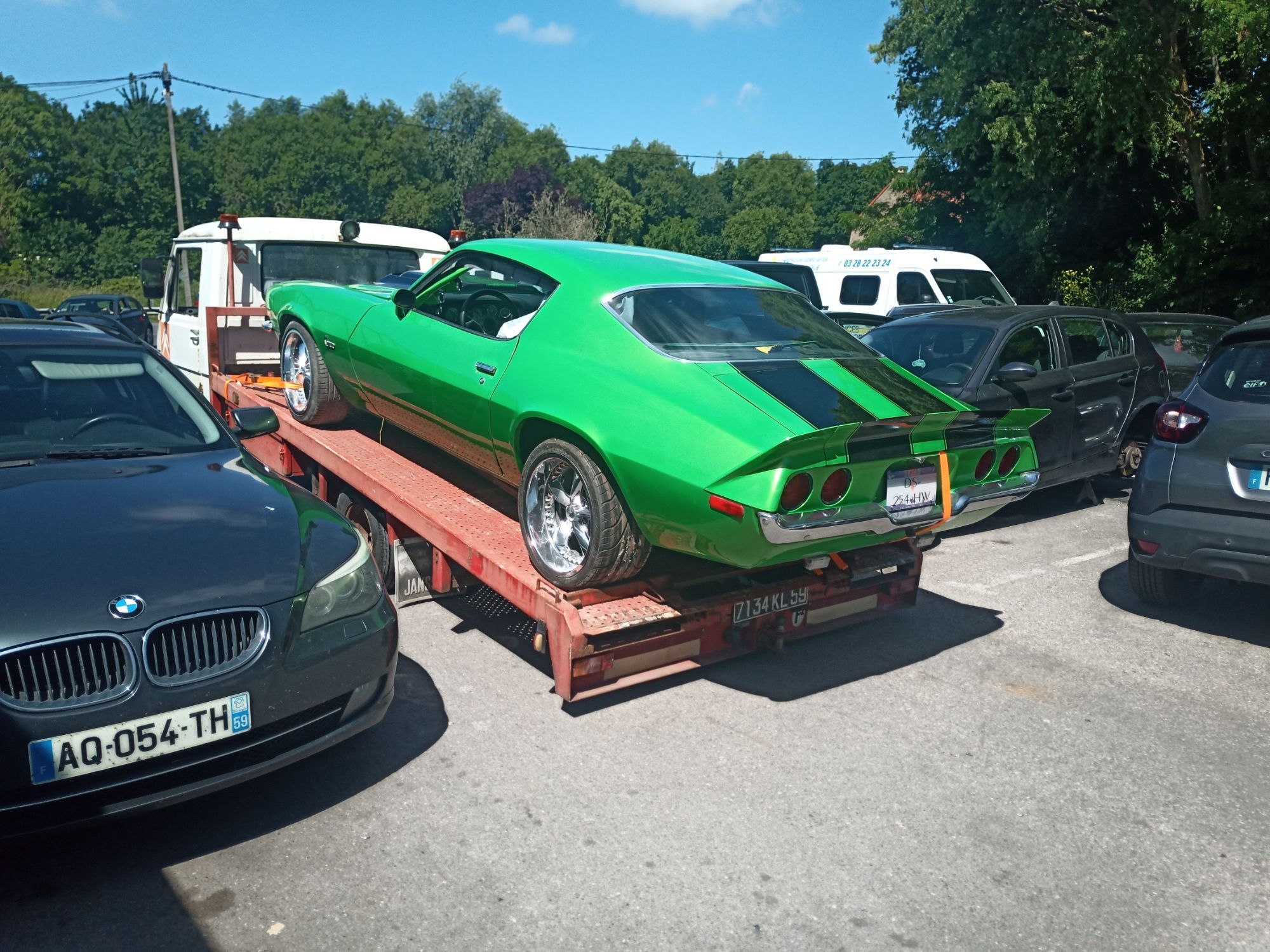
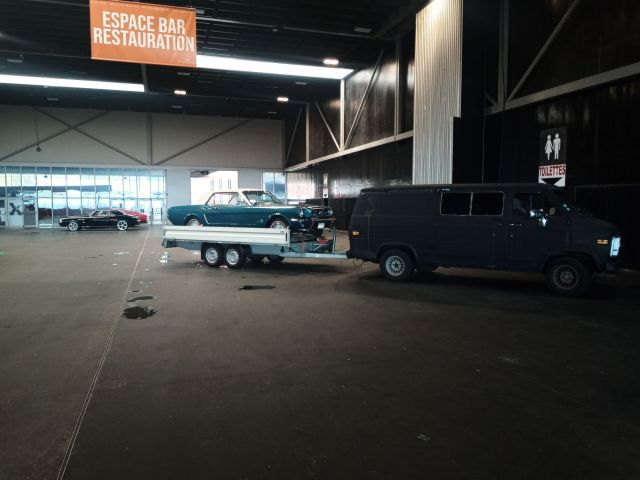
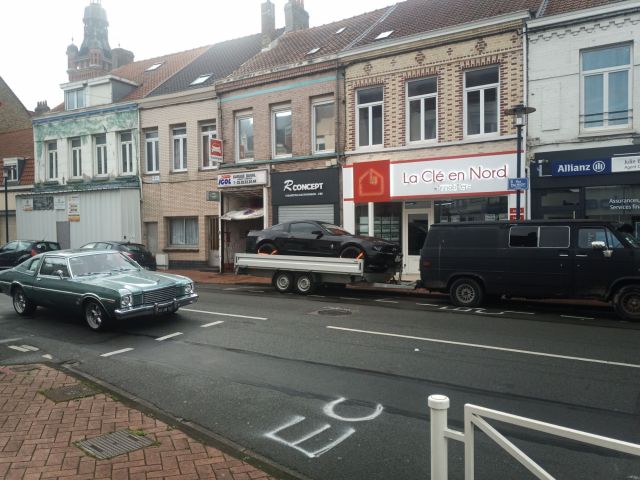
Ce n'est pas les plus beaux tracteurs ni les voitures les plus rapides mais quelques chargements que j'ai fait ces dernières années. J'ai revendu le VW LT35 de 79 assez rapidement car pour un (ex) garage d'américaines c'était la surcharge assurée. J'avais pourtant racheté un châssis-cabine en bel état pour arranger le problème de corrosion. Une dépanneuse est plus pratique qu'un plateau, mais je n'ai pas encore franchis le pas de l'achat d'un PL. (Et le plateau-ridelle est vachement pratique pour faire des travaux !)



-
Quel merveilleux pays ! Pouvoir rouler sur route avec une Lola d'époque avec un palmarès 🤤 Le tout avec une mécanique abordable à entretenir, le rêve !!! (Quand je pense que j'ai le même moteur et qu'il doit consommer à peu près la même chose... Dans mon van 😅)